Using XML to lookup data
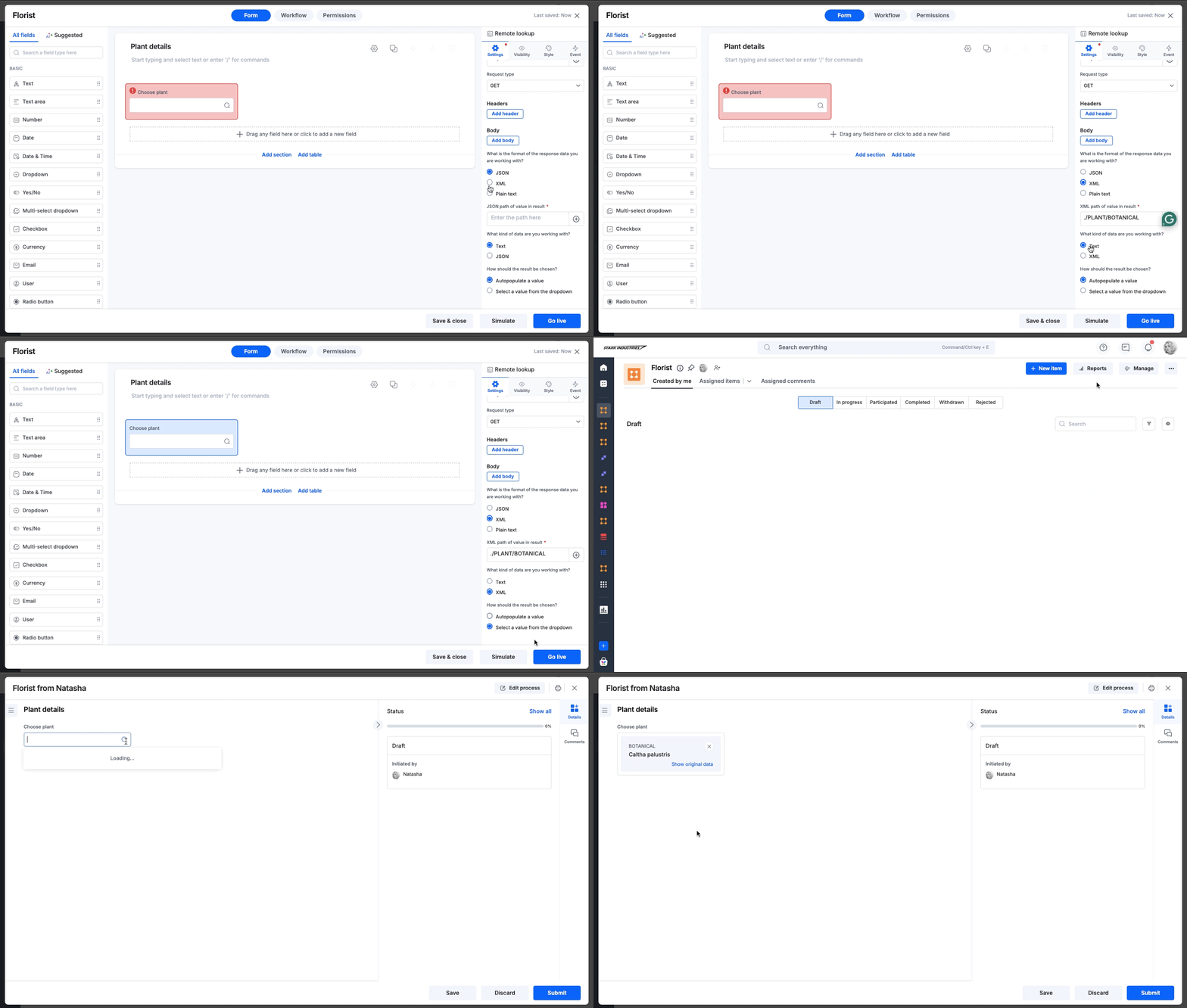
Here’s an example that uses XML format to display the botanical name of a plant.
BasicEnterprise
Here’s an example that uses XML format to display the botanical name of a plant.
- Create a remote lookup field called Plant.
- In the URL field, add the API link, such as this sample one from W3schools.
- Choose GET as the request type.
- In XML path of value in result, enter
./PLANT/BOTANICAL. - In the field What kind of data are you working with? choose XML.
- In the field How should the result be chosen? choose Select a value from the dropdown.