

App integration settings
Adjust an integration's settings from inside an app, including its web and email notification preferences.
BasicEnterprise
To update your integration settings in an app:
- Open the integration by clicking Logic > Integration > click your integration name.
- Click the Settings icon on the top right corner of the page.
- You can adjust notification settings for your integration from here.
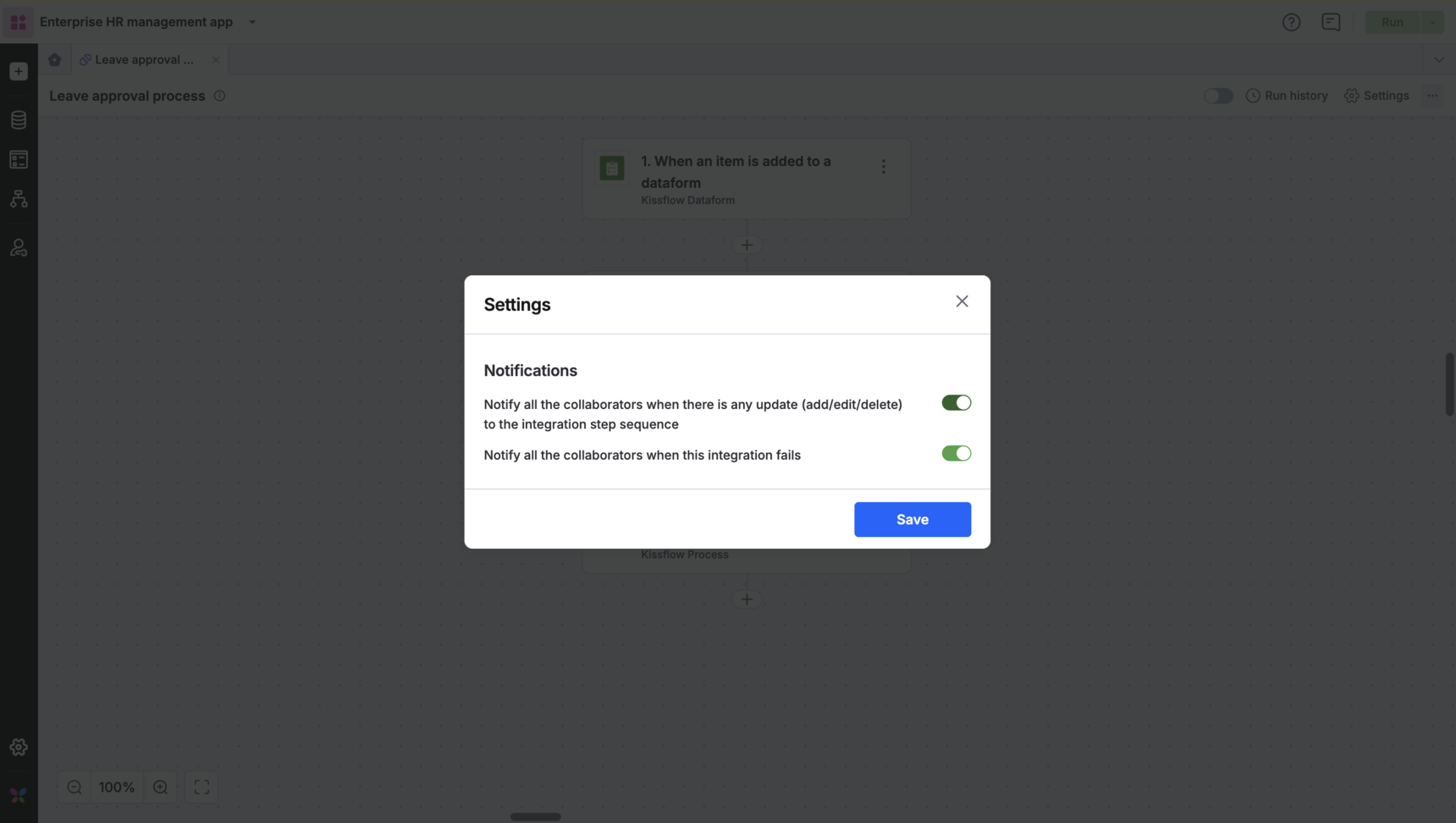
You can enable or disable web and email notifications. Here are the notification preferences for an integration:
- Notify during any update to the step sequence. All collaborators are notified when any or all steps in your integration are added, updated, or deleted.
- Notify all collaborators during an integration failure.