

Working with connectors
Kissflow integration uses connectors to help you automate workflows by connecting different applications and services.
Kissflow integration uses connectors to help you automate workflows by connecting different applications and services. A connector is a bridge that enables data exchange between your Kissflow account and other applications. For example, the Gmail connector creates a secure connection between your Kissflow and Gmail account.
Types of connectors
Kissflow offers two types of connectors:
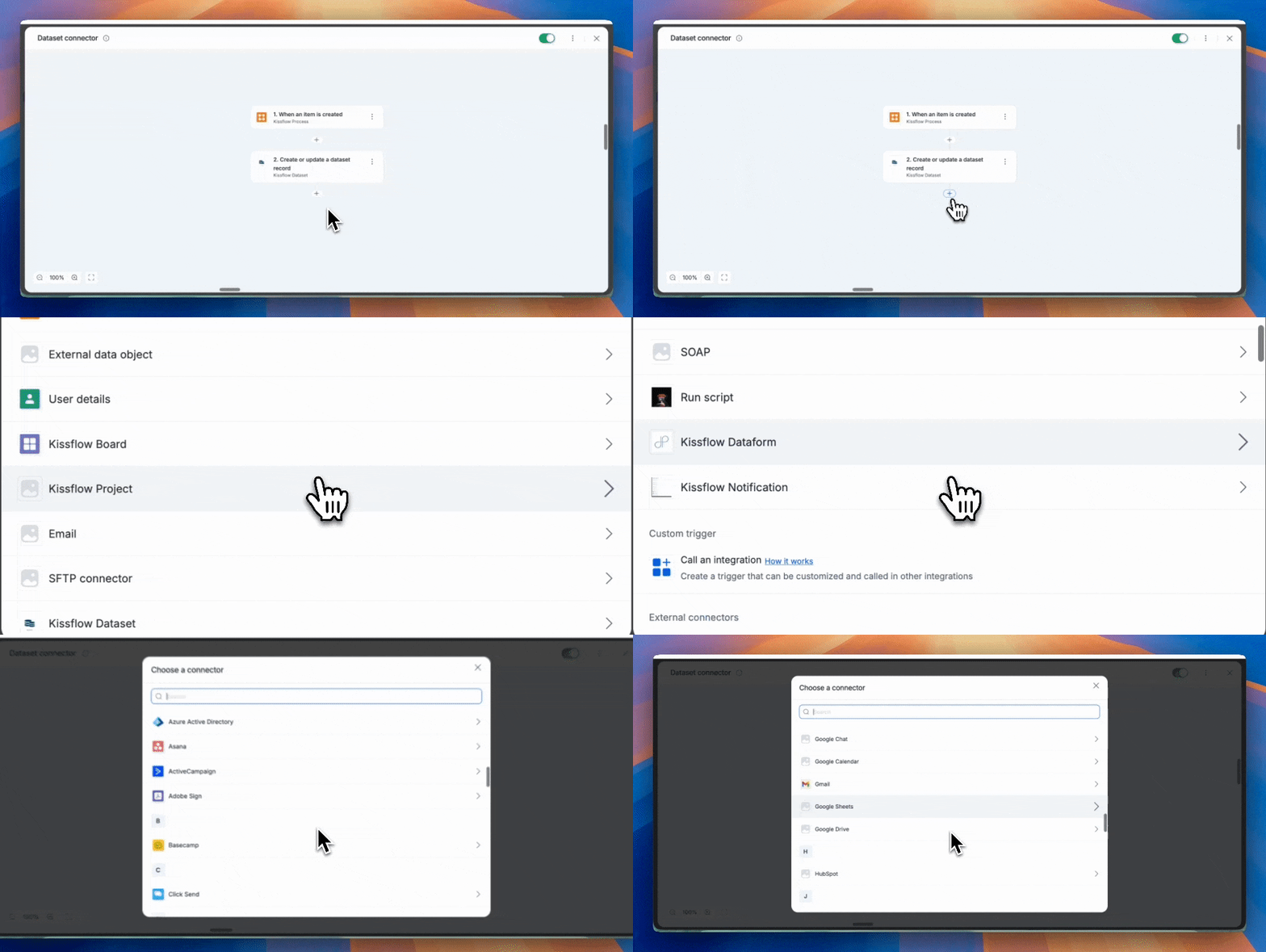
Internal connectors: These connectors are built in-house and help you work with data within Kissflow and connect to external applications. Some examples of internal connectors are:
External connectors: These connectors integrate Kissflow with popular cloud applications that you use regularly and work with on a day-to-day basis, such as:
Connectors also have events associated with them. Based on the use cases they solve, they are categorized as:
- Triggers
- Actions
- Search actions
Triggers and Actions
Kissflow Integration supports a number of triggers and actions out of the box. The list of triggers and actions is available here.
Note
The types of triggers and actions available depend on the connector you choose to work with. Some connectors may only support actions, while others support both triggers and actions.