Lists in apps overview
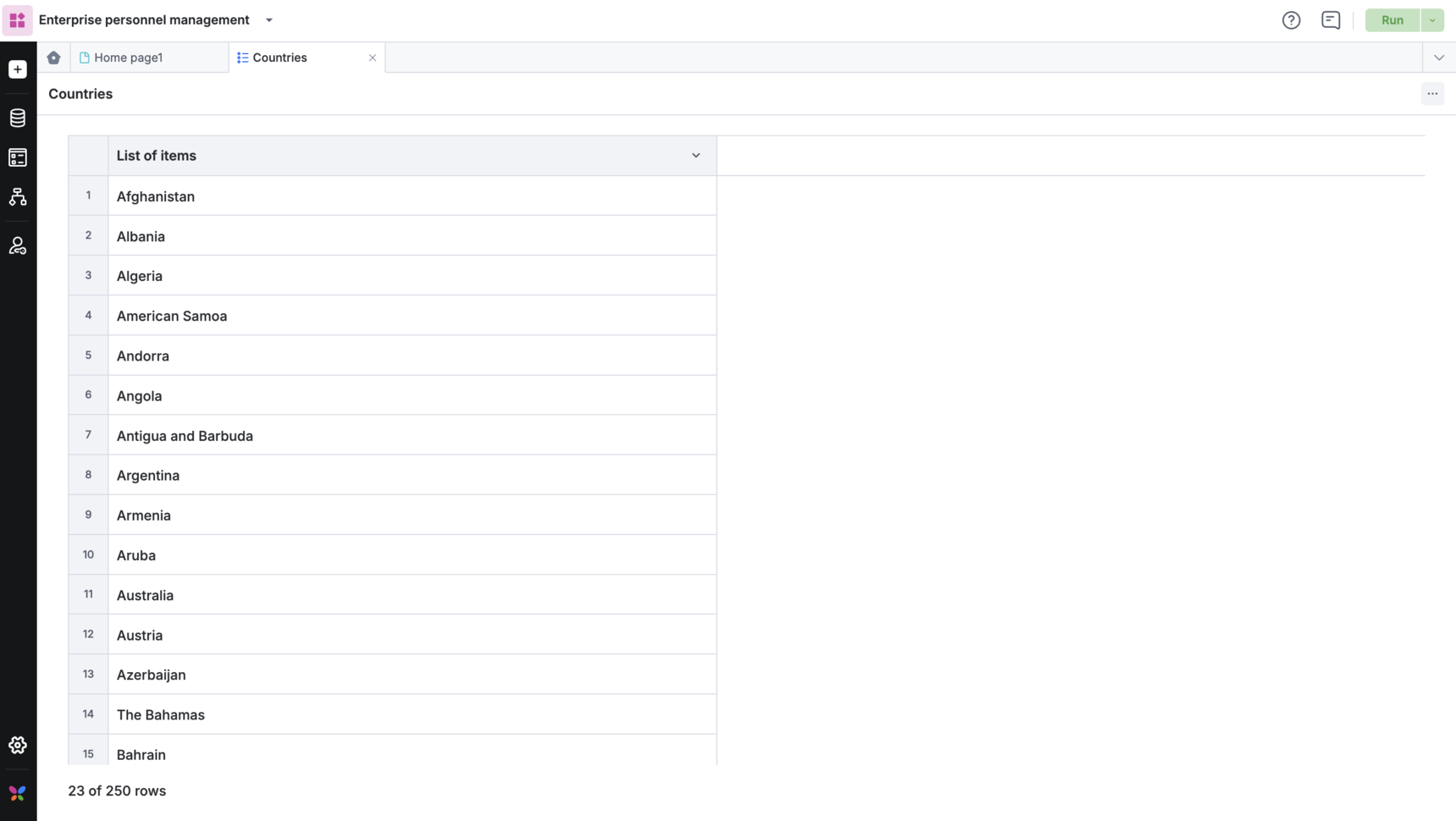
Lists are single-column datasets that populate dropdowns, checklists and multi-select fields in the forms of a Kissflow app.
BasicEnterprise
What is a list?
Lists are single-column datasets that populate fields like dropdowns, checklists, and multi-select dropdowns in your forms.
Examples of commonly used lists
-
Issue type
-
Priority type
-
Availability status
-
Location
-
Department
Using lists in apps
When you use fields such as dropdowns, checklists, and multi-select dropdowns in your form, you will be required to select as list as a data source.
This can be used for a variety of purposes:
- Lists in a dropdown field: A dropdown list can be used when a single option has to be selected from the list of options. For example, on a paid time off (PTO) process, users can select a single type of leave (sick, vacation, personal, etc.)
- Lists in a checklist field: You can add a checklist of items that need to be completed as a part of a step in a workflow. For example, in an employee onboarding process, some steps might include checklists like IT creating accounts for multiple software applications.
- Lists in a checkbox/multi-select fields: This is useful when you want to let users pick multiple items. For example, in a travel request process, users can select if they need air, local, and/or accommodation assistance.
Note
You can add up to 250 list items, each with a limit of 500 characters