

Role permissions
Kissflow Apps allows you to share your process form, board form, dataform, dataset, and list with different roles in your application and to external apps…
Kissflow Apps allows you to share your process form, board form, dataform, dataset, and list with different roles in your application and to external apps and assign them unique access permission.
Note
Manage permission cannot be assigned to externally linked roles. However, it is possible to assign the Initiate permission.
Process form
A role with access to any process form will have permission to initiate or manage the process form.
| Initiate | Manage |
|---|---|
| Initiate new items in the process form | Create and manage items in the process form |
| Work on all of the items they have created and assigned to them | Have default access to all reports as part of the process form |
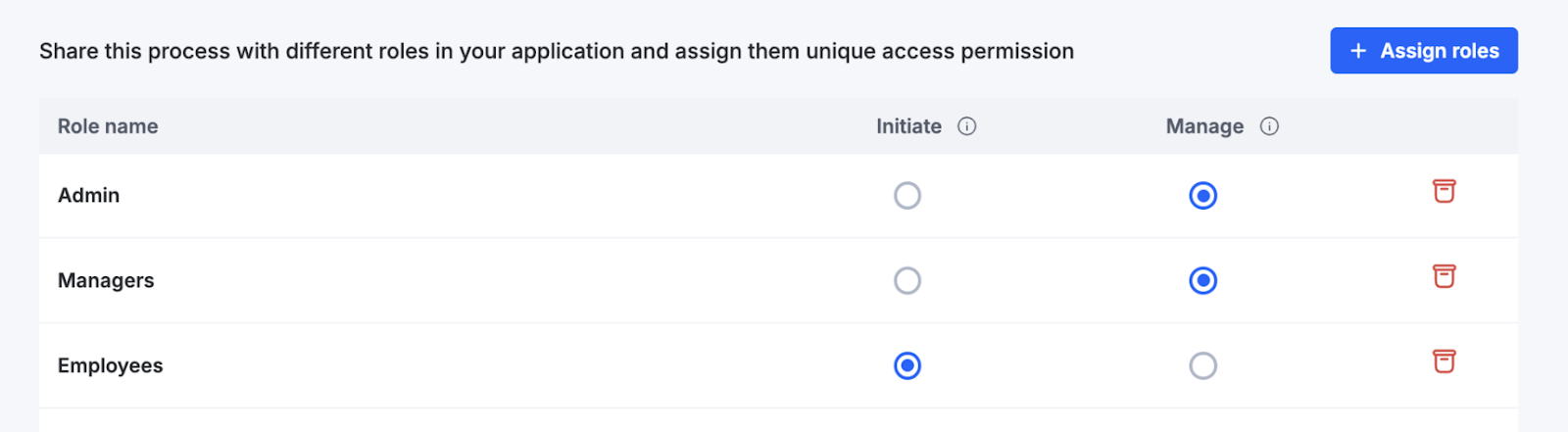
How permission inheritance works
When a process is shared with a role, its permissions are automatically inherited by the associated reports.
This means that when you assign a role to a process, all users in that role will automatically get access to the related reports without needing to share them separately.
You can still adjust or override the default permissions at any time.
The table below shows how permissions are inherited for processes:
| Permission level | Access to process reports |
|---|---|
| Initiate | ❌ |
| Manage | ✅ |
Dataform
A role with access to any dataform will have permission to initiate or manage the dataform.
| Read-only | Edit | Manage |
|---|---|---|
| Allows users only to view the items. | Enables users to view, create, and update the items. | Enables users to view, create, update, and delete the items. |
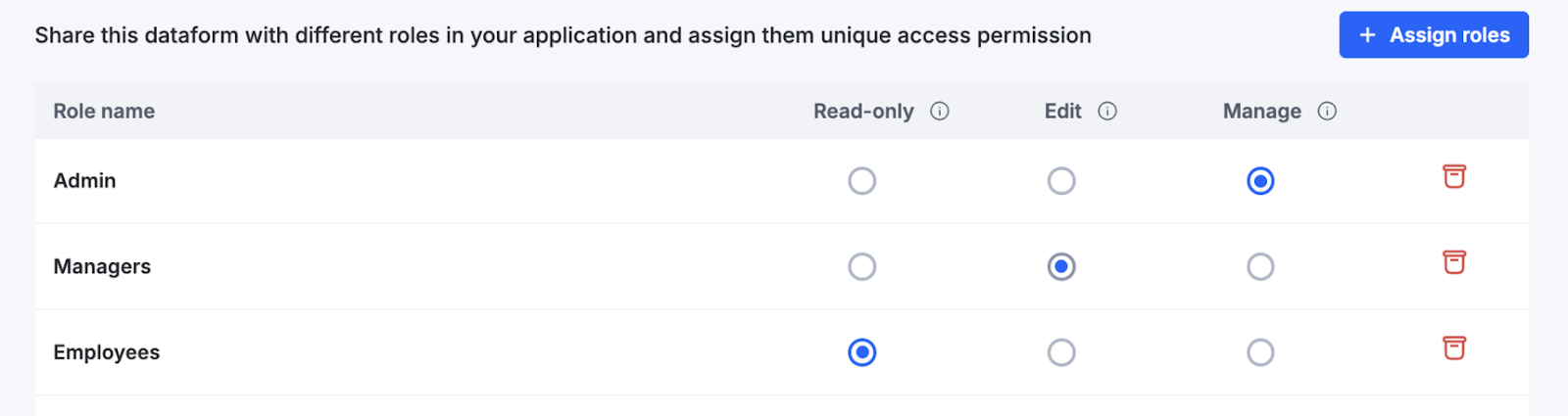
How permission inheritance works
When a dataform is shared with a role, its permissions are automatically inherited by the associated views and reports.
This means that when you assign a role to a dataform, all users in that role will automatically get access to the related views and reports without needing to share them separately.
You can still adjust or override the default permissions at any time.
The table below shows how permissions are inherited for dataforms:
| Permission level | Access to dataform views | Access to dataform reports |
|---|---|---|
| Read-only | ✅ (all except sheet view) | ❌ |
| Edit | ✅ | ✅ |
| Manage | ✅ | ✅ |
For example, if a dataform is shared with Read-only permission, the users won’t have access to its reports by default.
If the dataform is shared with Edit or Manage permission, users will automatically gain access to views and reports.
Board form
A role with access to any Board form will have permission to initiate or manage the Board form.
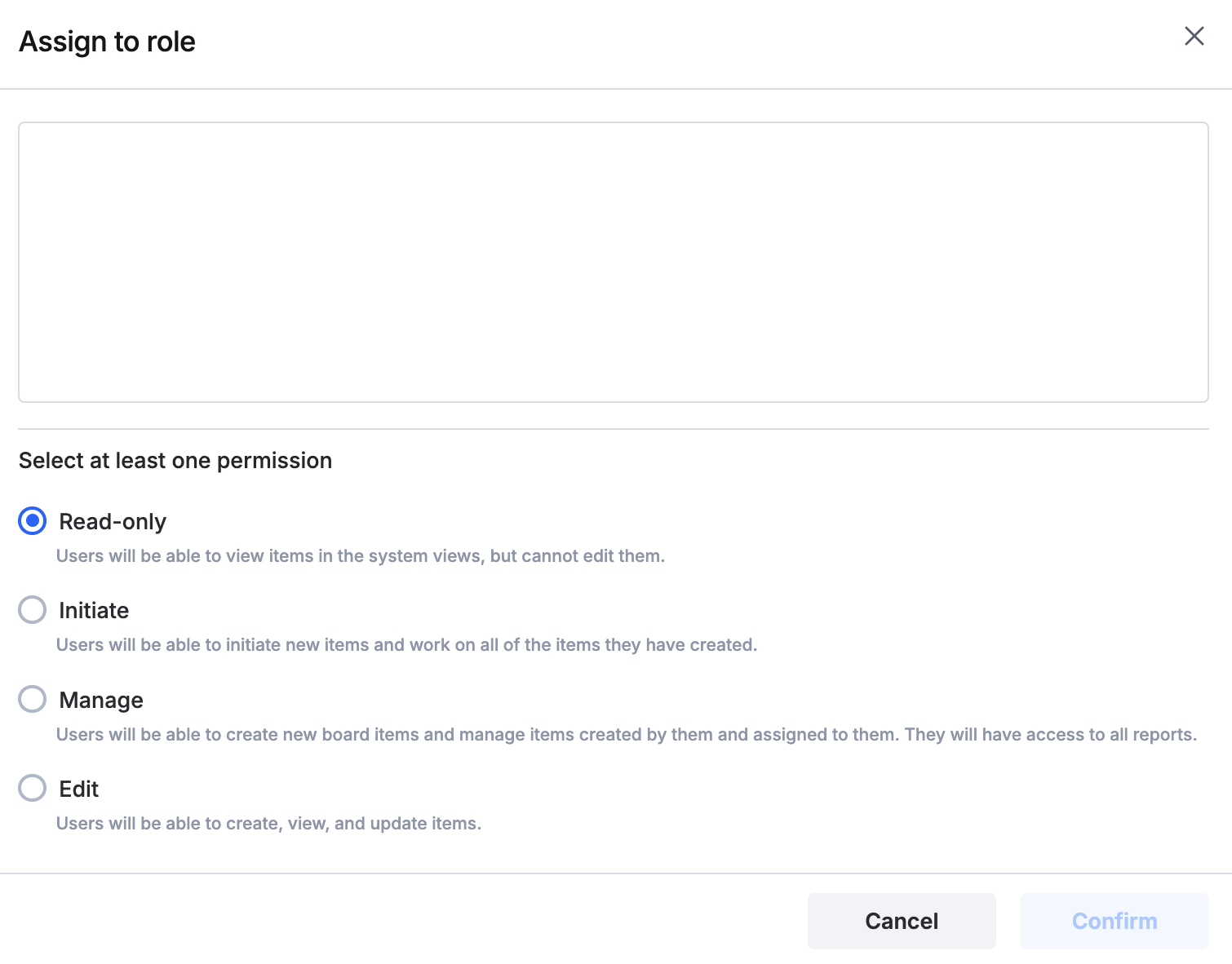 Read-only | Initiate | Manage | Edit |
|---|---|---|---|
| Can view items in the system views, but cannot edit them. | Can initiate new items and work on all of the items created by them. | Can create new board items, manage items created by them and assigned to them. They will have access to all reports. | Can create, view, and update items. |
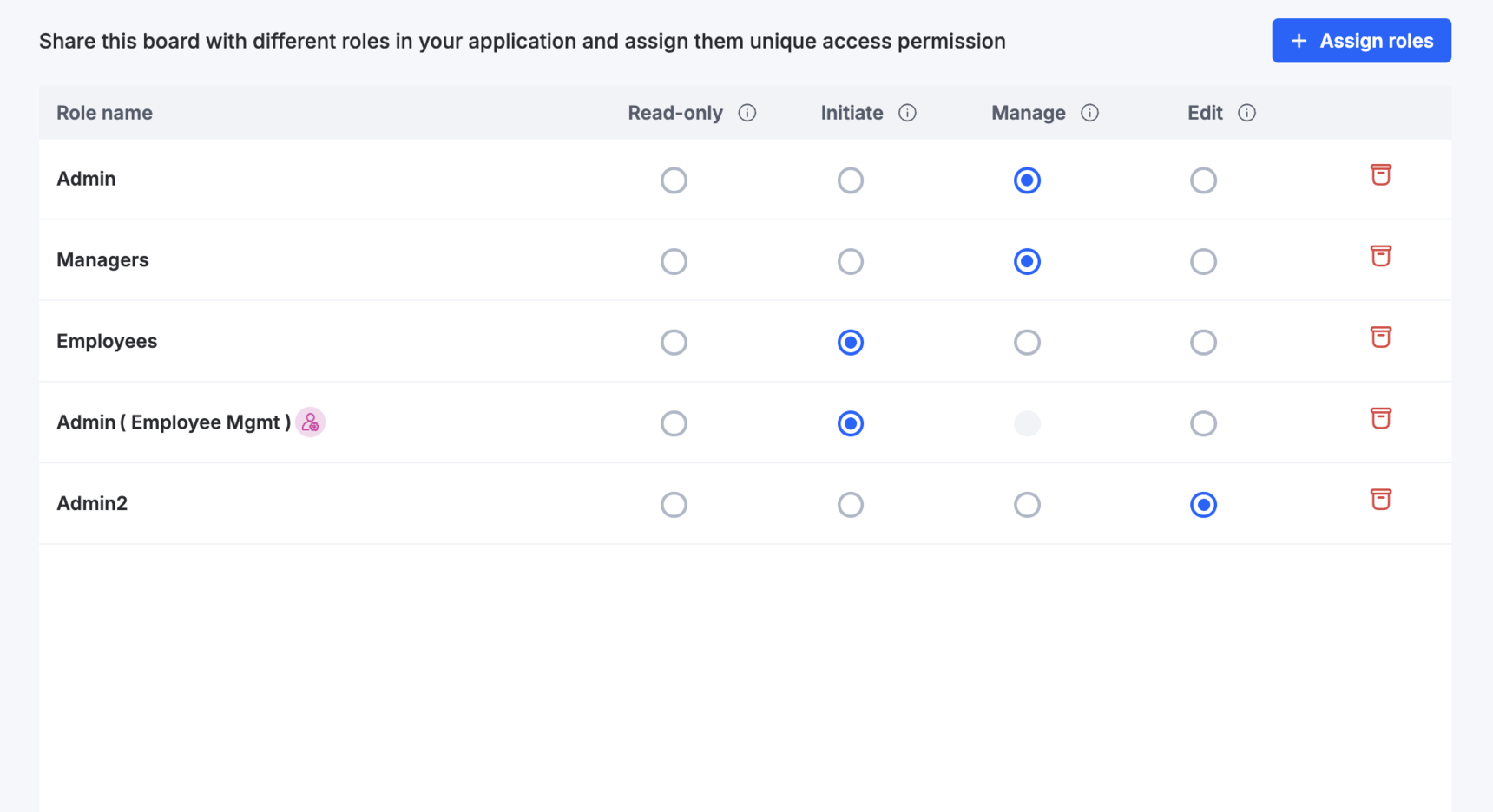
How permission inheritance works
When a board is shared with a role, its permissions are automatically inherited by the associated views and reports.
This means that when you assign a role to a board, all users in that role will automatically get access to the related views and reports without needing to share them separately.
You can still adjust or override the default permissions at any time.
The table below shows how permissions are inherited for boards:
| Permission level | Access to board views | Access to board reports |
|---|---|---|
| Read-only | ✅ | ✅ |
| Initiate | ✅ | ✅ |
| Edit | ✅ | ✅ |
| Manage | ✅ | ✅ |
Board views and reports will be accessible at all permission levels.
Note
To override the inherited permissions, go to the Roles page and adjust the permissions as per your requirement.