

Important update regarding Kissflow's SSL certificate
Sectigo, Kissflow's SSL provider, is migrating to a new root certificate. Some legacy systems and older browsers must update their trust store before the domain-specific deadline to keep accessing Kissflow.
Sectigo, Kissflow's SSL certificate provider, is migrating its signing infrastructure to a new root certificate: Sectigo Public Server Authentication Root R46. This replaces the older trust chain built on AAA Certificate Services and USERTrust RSA Certification Authority.
Most users won't notice this change — modern browsers and operating systems already trust the new root. It only affects systems that can't receive regular OS or browser updates.
Who is affected
You may be affected if you access Kissflow from:
- Legacy servers, embedded devices, or other isolated environments that don't receive regular OS/browser updates.
- Older browser or OS versions that predate native support for the new root (see the version table below).
Affected systems will start seeing SSL trust errors once the old chain is no longer supported:
In legacy environments or servers:
- SSL handshake failure
- SSL connection failed
ERR_SSL_PROTOCOL_ERROR
In older browsers:
NET::ERR_CERT_AUTHORITY_INVALID- "Your connection is not private"
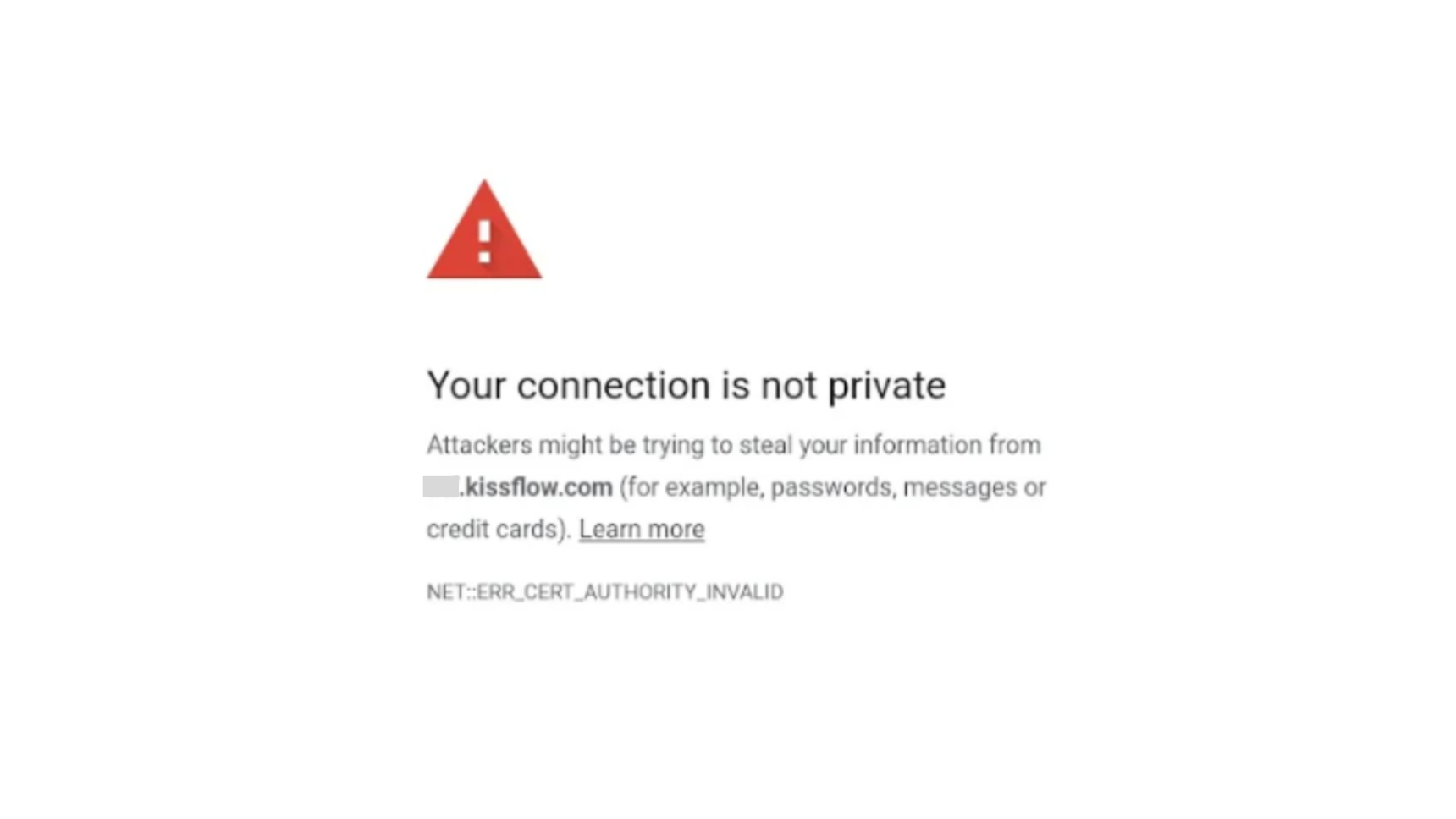
These errors happen because the affected system still relies on the old trust path — AAA Certificate Services → USERTrust RSA Certification Authority → Sectigo — which is being retired.
Deadlines
Important
After these dates, only the new Sectigo root (R46) will be trusted. Systems that haven't updated will lose access to Kissflow.
| Domain | Update by |
|---|---|
| kissflow.eu | February 13, 2026 |
| kissflow.com | February 27, 2026 |
Check the domain in your account's URL (the part before .kissflow.com or .kissflow.eu, for example yourcompany.kissflow.com) to see which deadline applies to you.
Check whether your environment is compliant
Run this check from the specific browser or environment you use to access Kissflow.
Using OpenSSL:
openssl s_client -connect sectigo.com:443 -showcertsA compliant environment returns:
Issuer: Sectigo Public Server Authentication Root R46
Verify return code: 0 (ok)
If you don't see a return code of 0, import the new Sectigo R46 certificate into your system (see below).
Using a browser:
- Open https://www.sectigo.com/.
- Click the padlock icon → Certificate viewer → Details.
- Check that the root certificate listed is Sectigo Public Server Authentication Root R46.
The following minimum versions natively support the new root:
| Browser | Minimum version | Release date |
|---|---|---|
| Chrome | 120+ | Dec 2023 |
| Edge | 120+ | Dec 2023 |
| Firefox | 117+ | Aug 2023 |
| Safari (macOS/iOS) | macOS 14.4+ / iOS 17.4+ | Mar 2024 |
| Opera | 106+ | Dec 2023 |
| SRWare Iron | 120+ | Dec 2023 |
Note
Even if your browser or OS meets the minimum version, we recommend running the verification check to confirm.
Import the new certificate
If your system can't receive regular OS/browser updates, install the R46 root manually before your domain's deadline.
-
Download the Sectigo Public Server Authentication Root R46 certificate. Note the filename it saves as — you'll need it in the steps below.
-
Install it into your system's trusted root store:
-
Windows — Open
certmgr.msc→ Trusted Root Certification Authorities → Import. -
macOS — Open Keychain Access → System Roots → Import.
-
Linux — Copy the certificate to
/usr/local/share/ca-certificates/(converting it to PEM format first if it isn't already) and run:sudo update-ca-certificates -
Java — Import the certificate into the Java keystore with
keytool(this adds it alongside the existing trusted certificates — it doesn't replace the keystore file). Replace the-filevalue below with the actual filename you downloaded:keytool -import -trustcacerts -keystore $JAVA_HOME/lib/security/cacerts \ -alias sectigoR46 -file SectigoPublicServerAuthenticationRootR46.crt
-
-
Restart the application or browser you use to access Kissflow.
Note
If you connect to Kissflow via Docker or other containerized environments, update the certificate inside those images and containers as well.
If you need help with this update, contact Kissflow support.