

FAQ - Connected processes
Answers to common questions about connecting processes, initiating dependent items, and troubleshooting connected process errors.
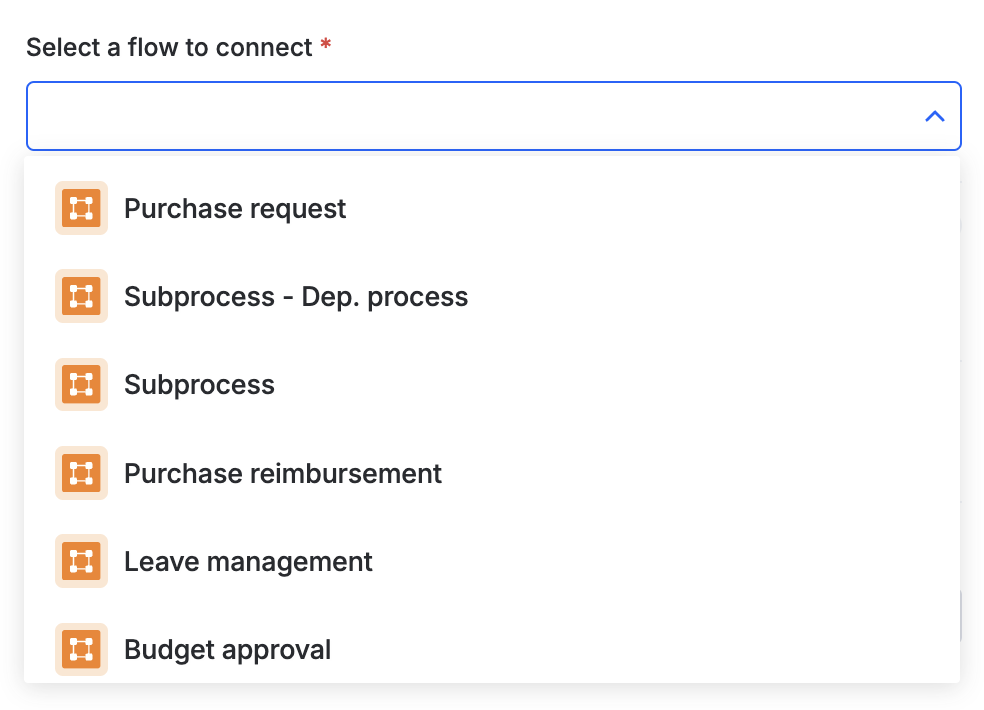
Why can't I see the process I want to connect to?
You can only pick from processes where you have admin access — processes you don't administer won't appear in the list.
Why can't I initiate dependent items for all the table rows in my source item at once?
Kissflow initiates up to 100 dependent items per source item, based on the number of matching table rows. If your source item's table has more than 100 rows, only 100 dependent items are created — the rest are not initiated.
I'm getting an error while creating dependent items in the connected process. What could cause this?
A couple of things to check:
- Unmet conditions — the source item, or the specific table rows you expected to trigger dependent items, may not satisfy the conditions configured for creating them.
- Assignee on the connected process' first step — if that step's assignee is set to Created by, Modified by, or Initiator rather than an actual user, it can prevent items from being created correctly. Assign a real user (for example, Stephen Strange) instead.
Note
If neither of these explains the error you're seeing, contact Kissflow support with the item ID and a screenshot of the error.
Can I initiate dependent items from the same source item more than once?
Not while the earlier set of dependent items is still in progress or already completed. Moving the source item back to the flow-connected step doesn't automatically clear the existing connection — Kissflow blocks a second round of dependent items until the prior ones are resolved, to avoid creating duplicates.
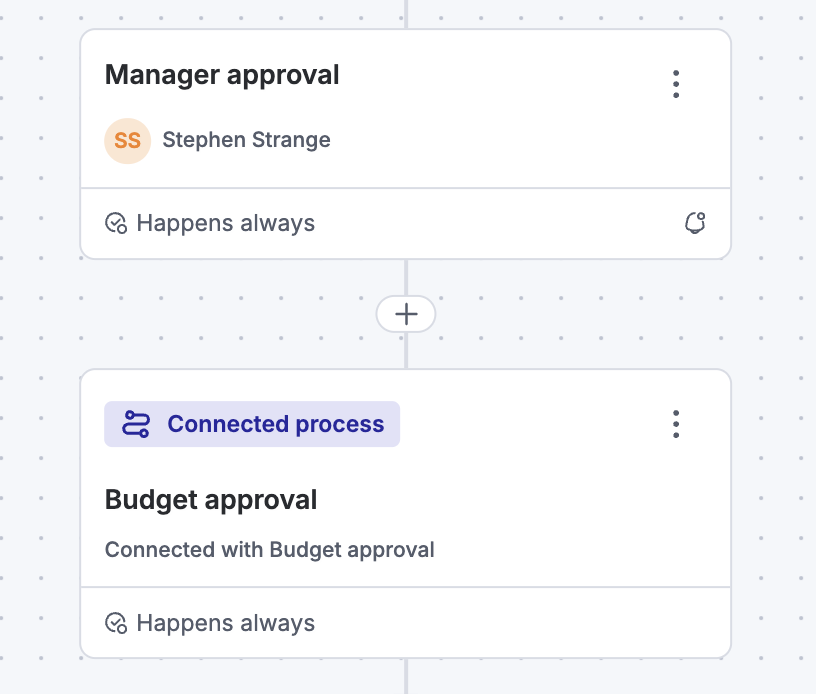
My source item has been stuck in the flow-connected step for a long time. How do I move it along?
You have two options:
- Complete the dependent items — once all dependent items reach the connected process' Completed step, the source item automatically advances to its next step.
- Contact the connected process' admin — if you don't have access to the connected process yourself, ask its admin to complete the dependent items on your behalf.