

Accessing the Kissflow App Store
Navigate to the Kissflow App Store to browse the pre-built apps available for your account.
Accessing the Kissflow App Store
BasicEnterprise
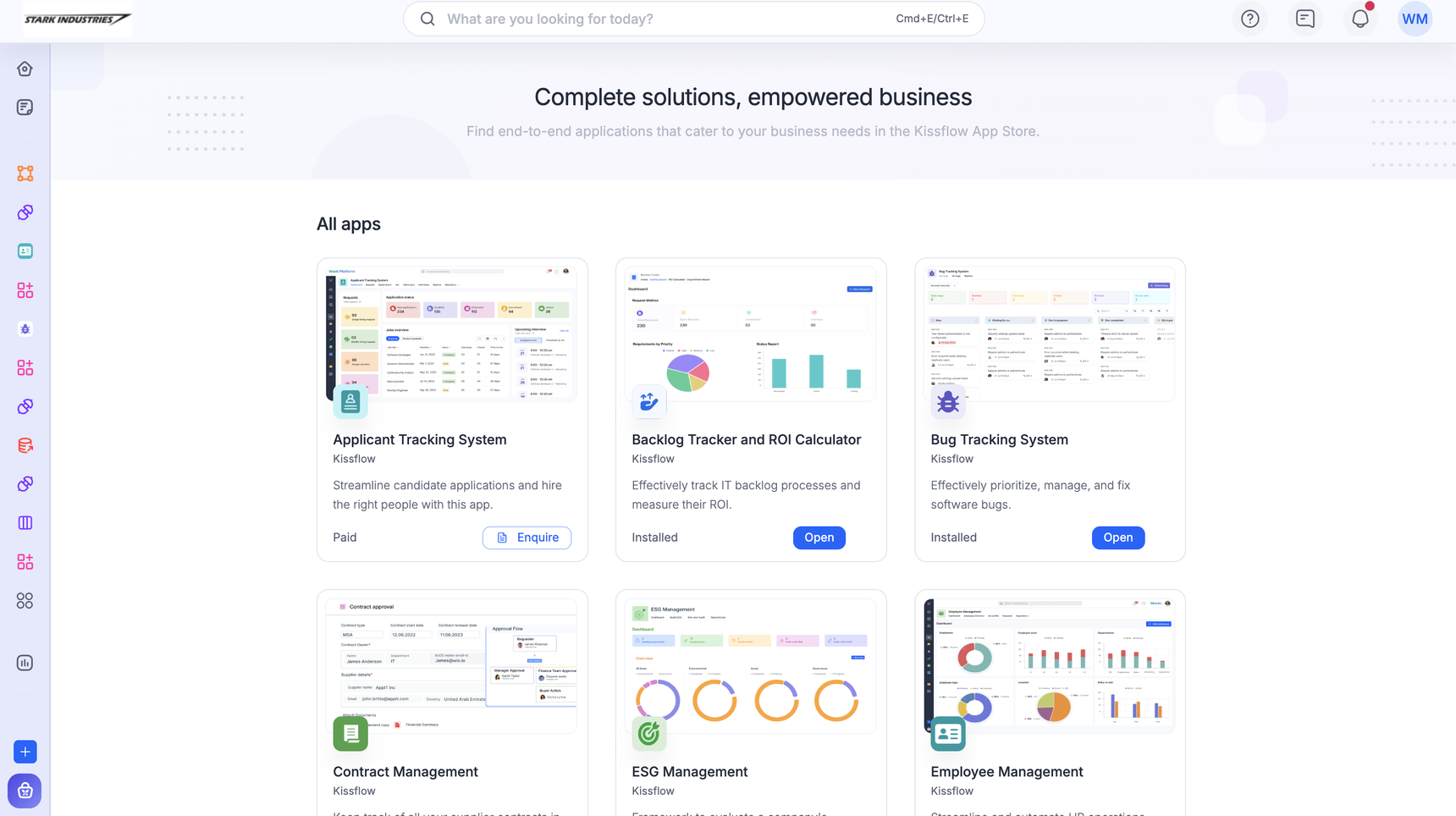
The Kissflow App Store is a collection of pre-built apps for common business use cases. From the App Store, apps can be installed directly, purchased, or requested, depending on the app.
Open the App Store
-
Sign in to Kissflow.
-
Click the Kissflow App Store icon (
 ).
). -
Browse the apps on offer. Each app's card shows whether it can be installed, purchased, or requested.
Note
Only Super Admins can install an app. See Using the Kissflow App Store for the install, purchase, and enquiry steps.