

Using the Kissflow App Store
Install ready-made apps from the Kissflow App Store, or enquire about provisional apps that need to be customized for your account.
Using the Kissflow App Store
Apps in the Kissflow App Store are either installable — free, ready to use as soon as you install them — or provisional, meaning they need to be customized before they can be deployed to your account. This article covers both flows.
Install an app
Note
Only Super Admins can install an app.
-
Sign in to your Kissflow account.
-
Click the Kissflow App Store icon (
 ).
). -
Hover over the app you want to install. The Install button appears on the app's card, or on its landing page if you open it.
-
Click Install, then Confirm.
Important
Once you confirm, the installation cannot be stopped.
The app deploys to your live account and is available from the App Store and the explorer.
Note
You can install an app only once per account.
Enquire about a provisional app
Provisional apps are customized to a user's requirements rather than installed as-is. When you enquire about one, Kissflow's support team follows up to understand what you need before deploying a version of the app to your account.
-
Sign in to your Kissflow account.
-
Click the Kissflow App Store icon (
). -
Hover over an app card that shows an Enquire button, and click it to open the enquiry form.
-
Fill in the features you want and the size of your team.
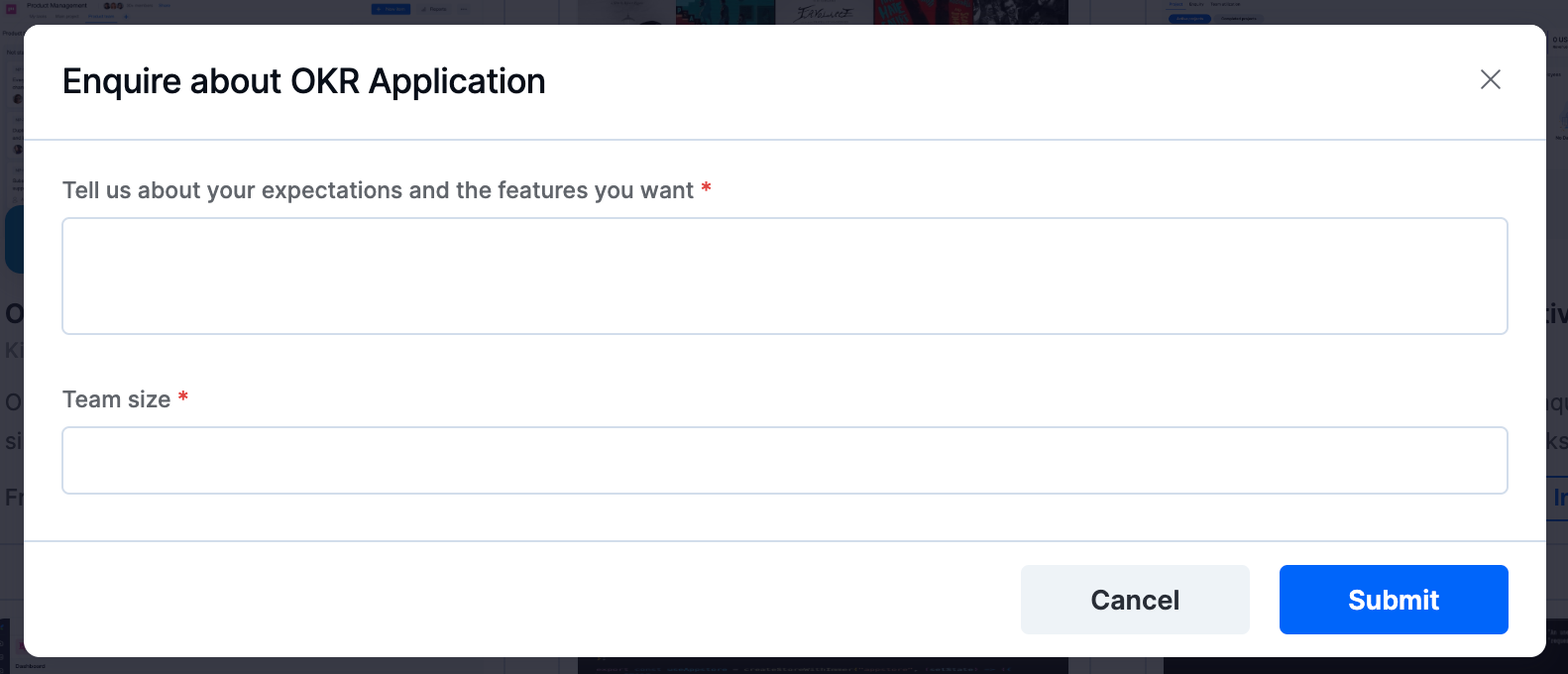
-
Click Submit.
Kissflow's support staff will contact you regarding your enquiry.