

Field events
Field events allow you to create events with your form fields using Kissflow's Low-code SDK reference and minimal JavaScript code.
Field events allow you to create events with your form fields using Kissflow's Low-code SDK reference and minimal JavaScript code. This allows the form fields to trigger event-based actions. As a form developer, you can add events to both basic and advanced fields in process forms, board forms, and data forms within apps.
Accessing events in forms
- Sign into Kissflow.
- Open your process, board, or dataform.
- Select a field to which you want to add an event.
- Click Events found below visibility.
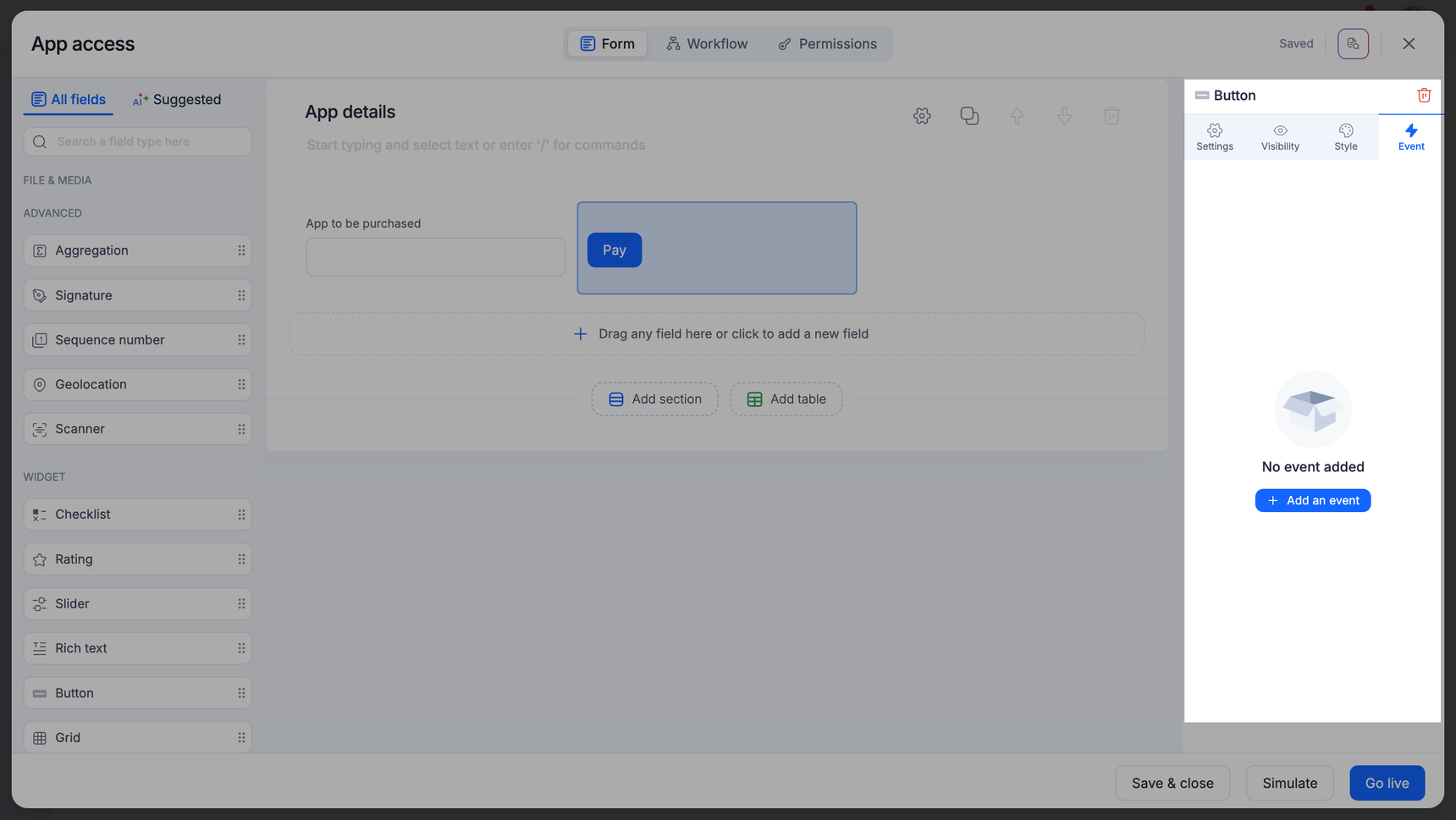
- Type in your event actions in the console
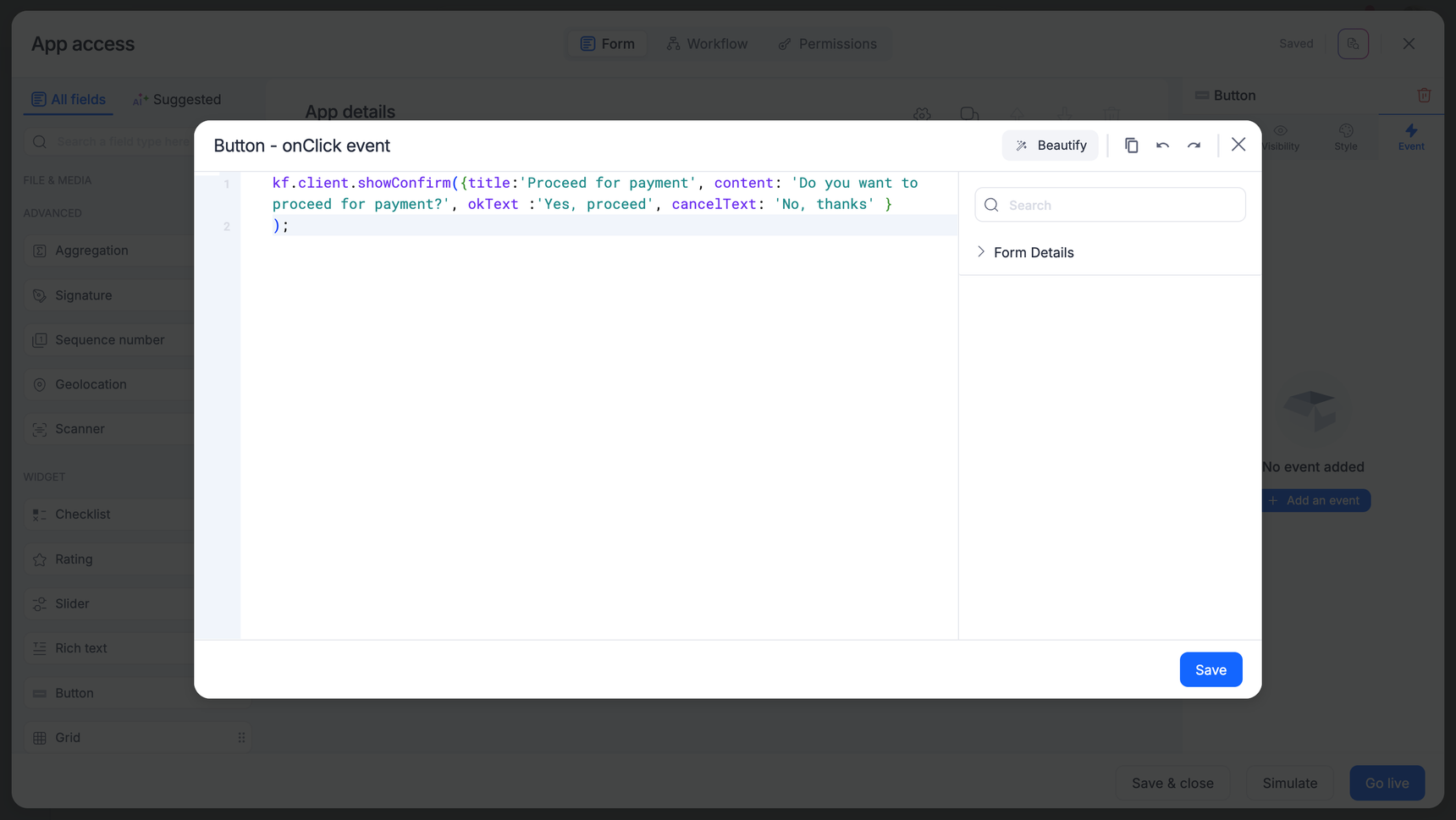
- Click Save.
Note
Events for form fields can be triggered only using Kissflow’s Low-code SDK reference, which is available on GitHub.
Event actions for fields
Here’s a list of fields that triggers an event based on a specific action:
| On Select | On Change | On Click |
|---|---|---|
| Date | Text | Button |
| Date & Time | Text area | |
| Dropdown | Number | |
| Multi-select | Yes/No | |
| User | Checkbox | |
| Lookup | Currency | |
| Remote lookup | ||
| Rating | ||
| Radio button | ||
| Checklist | ||
| Slider | ||
| Scanner |
Fields for which events cannot be triggered:
- Attachment
- Smart attachment
- Image
- Aggregation
- Rich text
- Signature
- Sequence number
- Geolocation
Note
If the field is a computed field, you cannot add events to it.