

Format settings
Set your account's default timezone, language, and date format from Account Administration.
Format settings
As a Super Admin — or any admin granted the Format Settings permission — you control your account's default time zone, language, and date format. These settings determine how dates, times, and flow data are displayed across your organization.
Note
Individual users can override the account's time zone, date format, and language for their own account from My settings. See Personal info, format settings, and task delegation.
Update format settings
- Click your profile picture in the upper-right corner of the Home screen.
- Click Account administration > Format settings.
- Set your account's time zone, language, and date format (details below).
- Click Save.
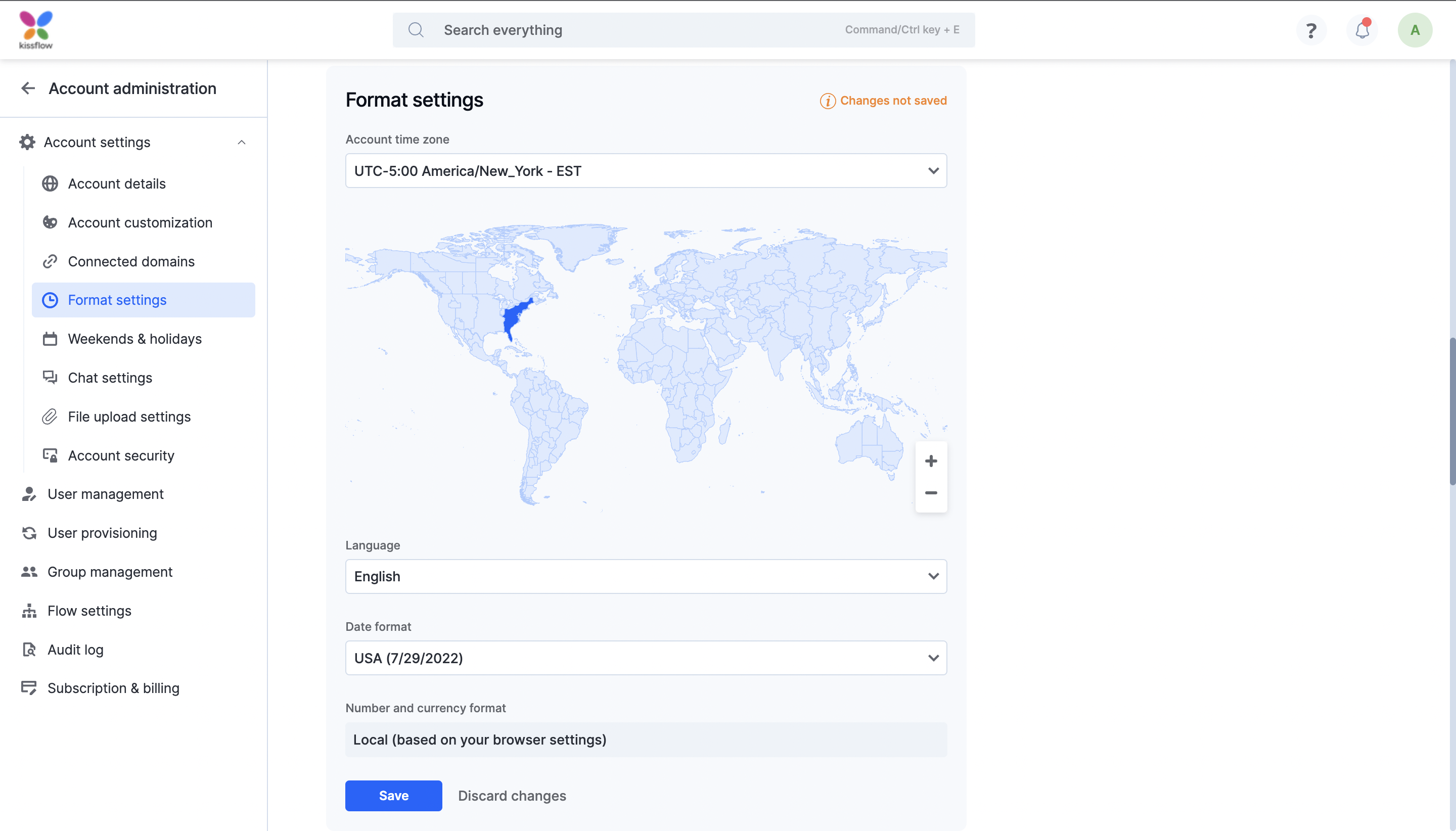
Time zone
Your organization's time zone is used when a scheduled action in an integration runs, or when a deadline in a workflow is evaluated — all flow data is matched to this time zone.
Select a time zone directly from the dropdown, or use the map below it: click a region to select its time zone, and use the zoom controls to find smaller zones more precisely.
Language
Choose the display language for your account. Kissflow supports more than 20 languages, including English, French, Spanish, German, Italian, Russian, Korean, Simplified Chinese, Japanese, Vietnamese, Thai, Polish, Portuguese, Slovak, Czech, Ukrainian, Hindi, and Romanian.
Note
Arabic is the exception — it's only available if your account has been enabled for it (see Languages supported by Kissflow).
Date format
Choose how date and datetime fields are displayed across your account:
- Local — based on your browser settings.
- US — M/D/YYYY.
- European — D/M/YYYY.
- ISO — YYYY-MM-DD.
Note
Date format only affects date and datetime fields. Number and currency formatting is separate — see below.
Number and currency format
Number and currency formatting is always based on the browser's local conventions and isn't configurable from this page.