

Subscription and billing
View your account's plan status and user license count, and download invoices from Account administration.
Subscription and billing
Your account's subscription details — plan status, user license count, and invoices — are all available from Account administration.
Note
Only Super Admins and Billing Admins can access this page. Learn more about roles in Kissflow.
View your subscription details
-
Click your profile picture in the top-right corner and select Account administration.
-
Go to Subscription & billing.
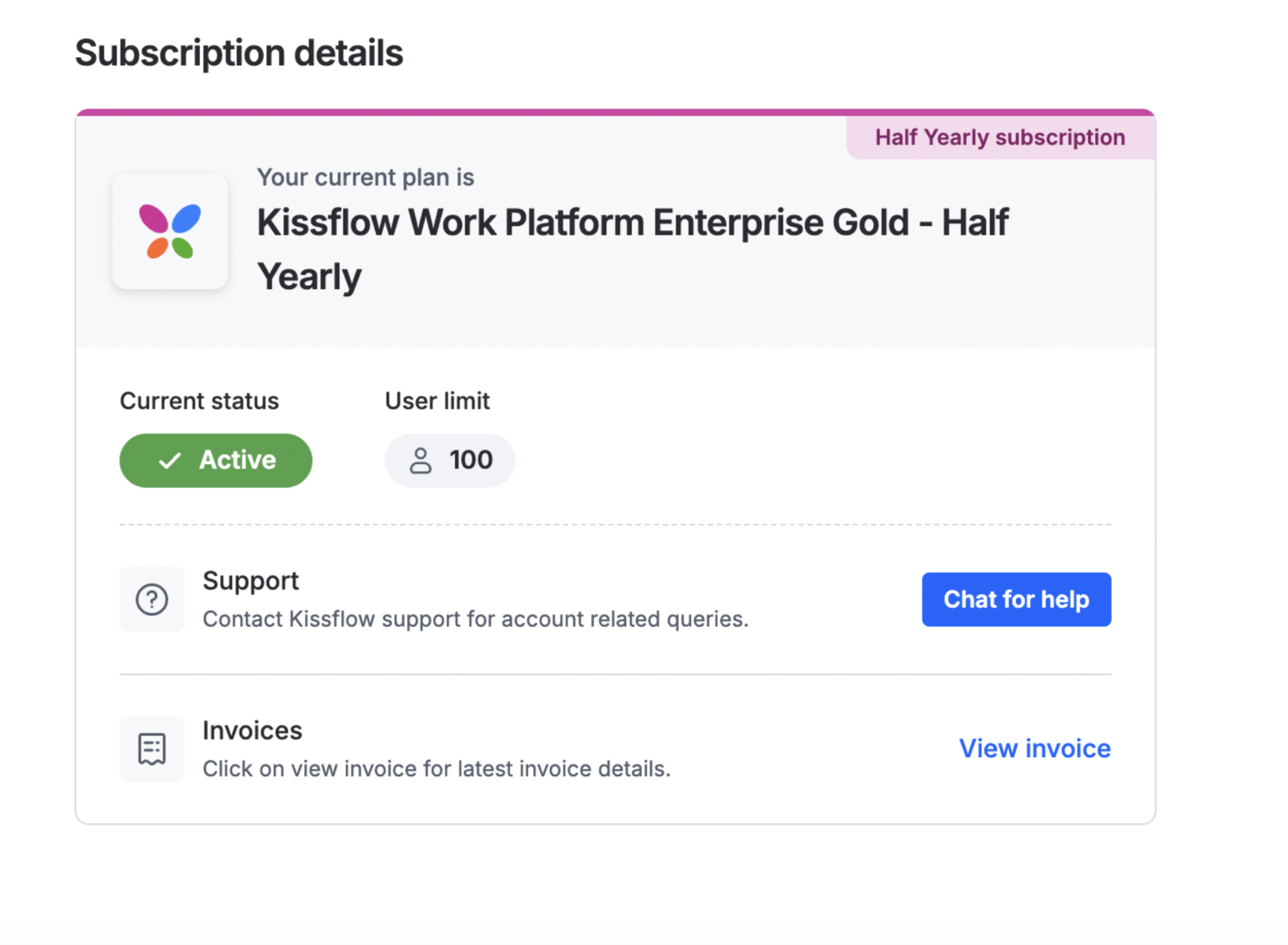
This page shows the current status of your plan and the number of user licenses available under it.
Note
Kissflow offers several plan tiers beyond the basics. To purchase additional licenses, change plans, or adjust your billing frequency, click Chat for help under Subscription details — see Deprecation of self-serve option in Kissflow subscription & billing.
View and download an invoice
-
Go to Account administration > Subscription & billing.
-
Click View invoice.
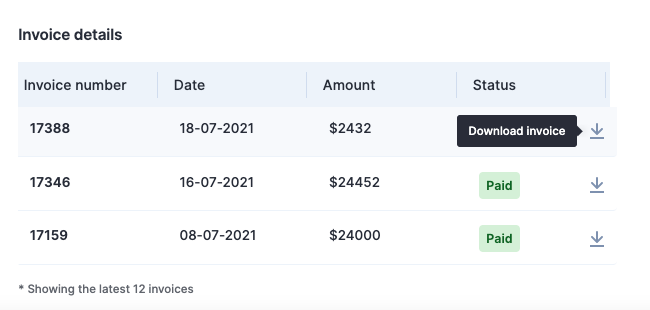
From here, you can view and download the invoice for your account.