

Testing a decision table
Run sample condition values through a decision table to verify it returns the results you expect.
Testing a decision table
BasicEnterprise
Testing lets you verify that your decision table evaluates conditions correctly and returns the results you expect — before anything depends on it.
Note
Testing requires at least one condition and one result in your decision table.
Test your decision table
- Click the Test button in the top-right corner.
- In the test panel, enter sample values for each condition.
- Run the test.
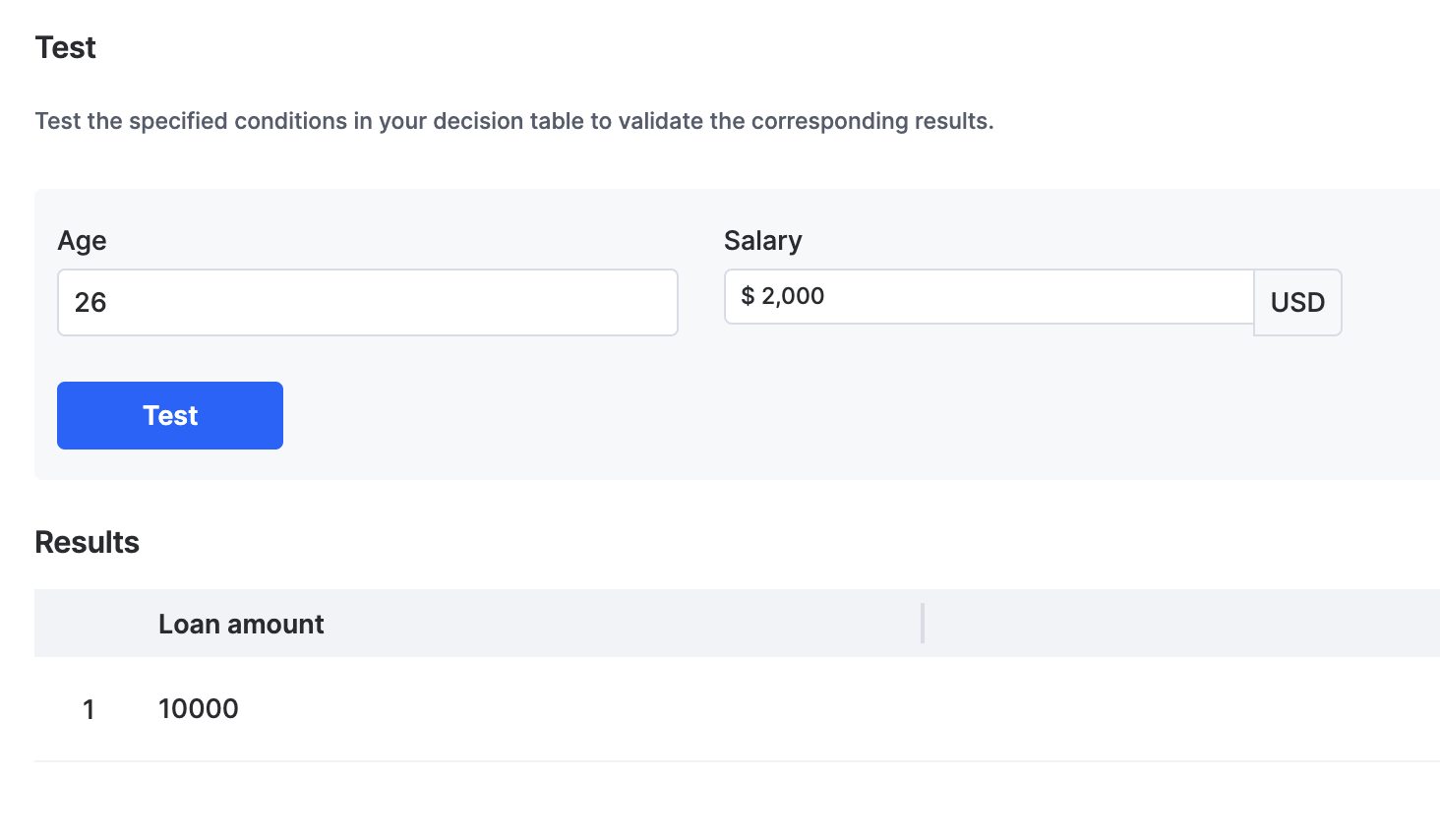
The decision table evaluates your sample values and displays the matching results in a table, following your evaluation settings.