

Contextual global search
Use AI-powered global search to find processes, boards, datasets, items, and people across your account by describing what you need in your own words.
Contextual global search
Global search puts every workflow, item, and person in your account within reach from one place. Type a keyword, or describe what you're looking for in your own words, and Kissflow's AI surfaces the workflows that match — even if you don't remember its exact name. You can also use global search to find people in your account.
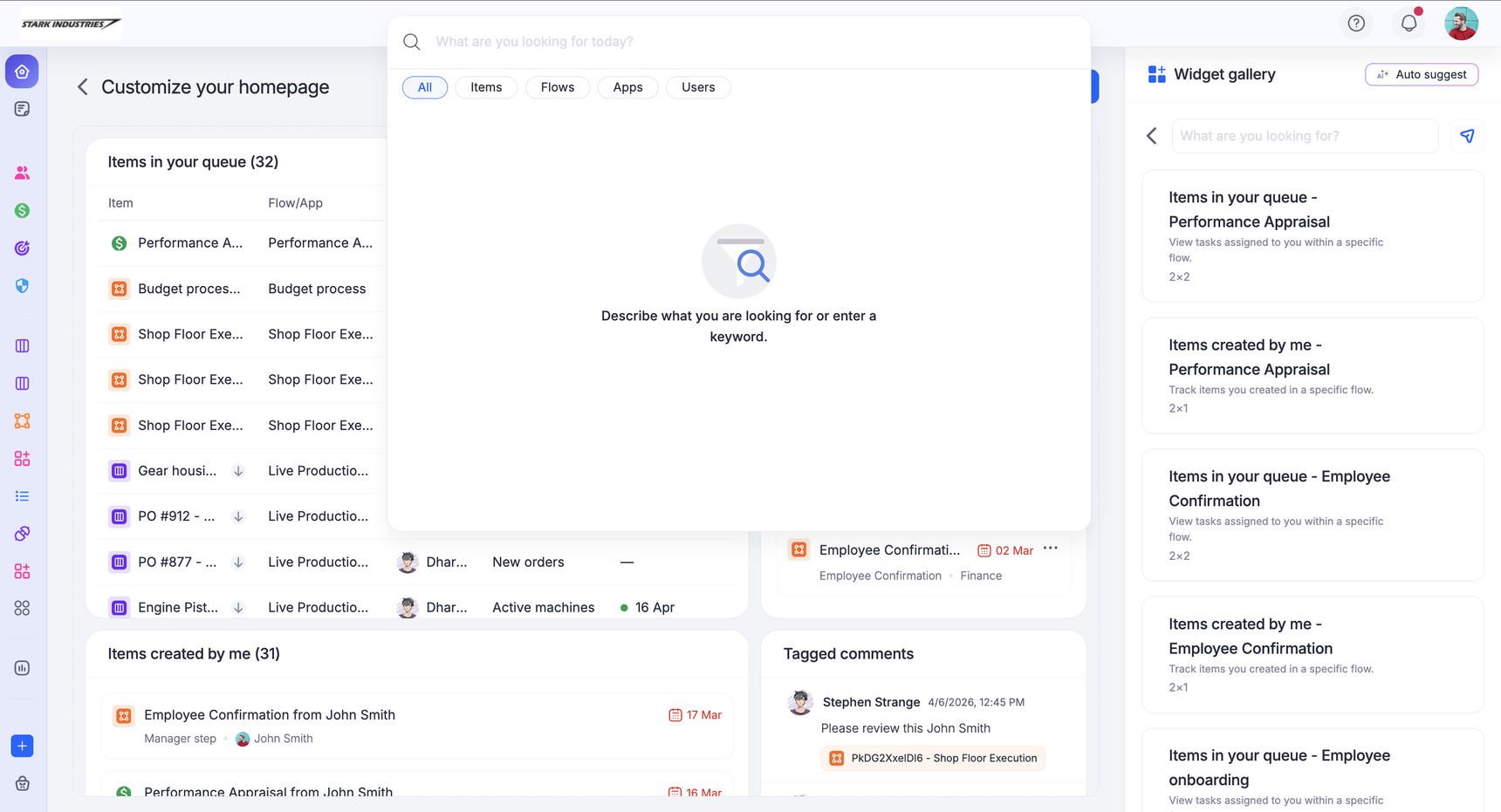
Search with AI
Contextual search uses AI to understand what you describe and match it to the right process, board, or dataset — no exact workflow name needed. Type a few words about what you're trying to do, and the most relevant workflows rise to the top.
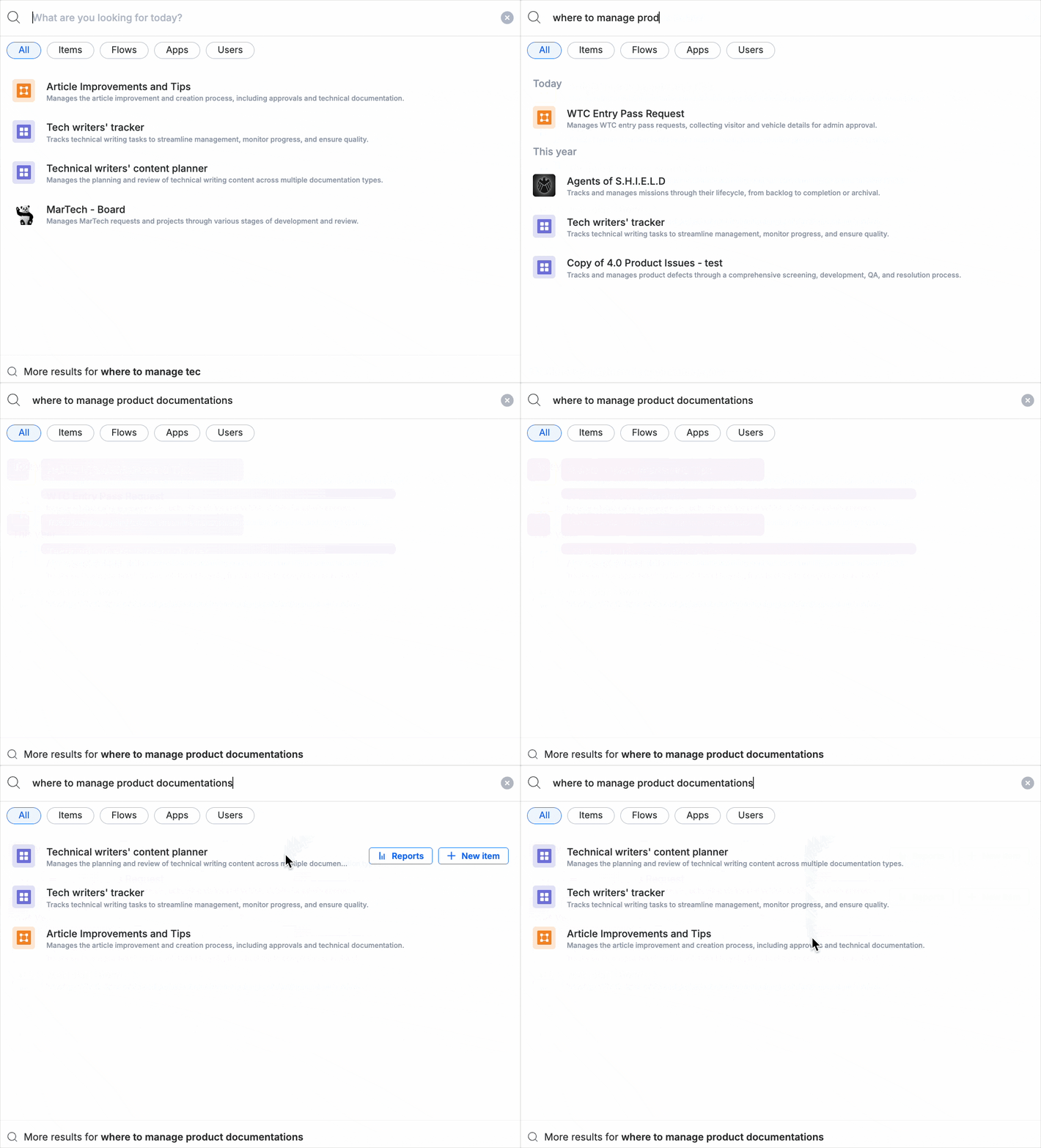
Note
AI matching only works for processes, boards, and datasets — it's what surfaces a workflow when you describe it in your own words instead of typing its exact name. It doesn't cover apps, portals, or individual items. You can still find those with a plain keyword search and the filters below; they just won't come up from a natural-language description.
Filter your results
The global search bar also supports plain keyword search across everything in your account, including apps and individual items — not just the AI-matched workflows above. When a search returns results across many workflows, narrow them down by type:
- Run a search from the global search bar.
- Select a filter above the results — Items, Flows, Apps, or Users.
This is especially useful in large or complex accounts, where a single keyword can otherwise return results spread across dozens of workflows.
Pick up where you left off
Workflows you've recently opened from search appear by default the next time you open the search bar, before you type anything. This saves you from retyping a query just to get back to something you were working on.
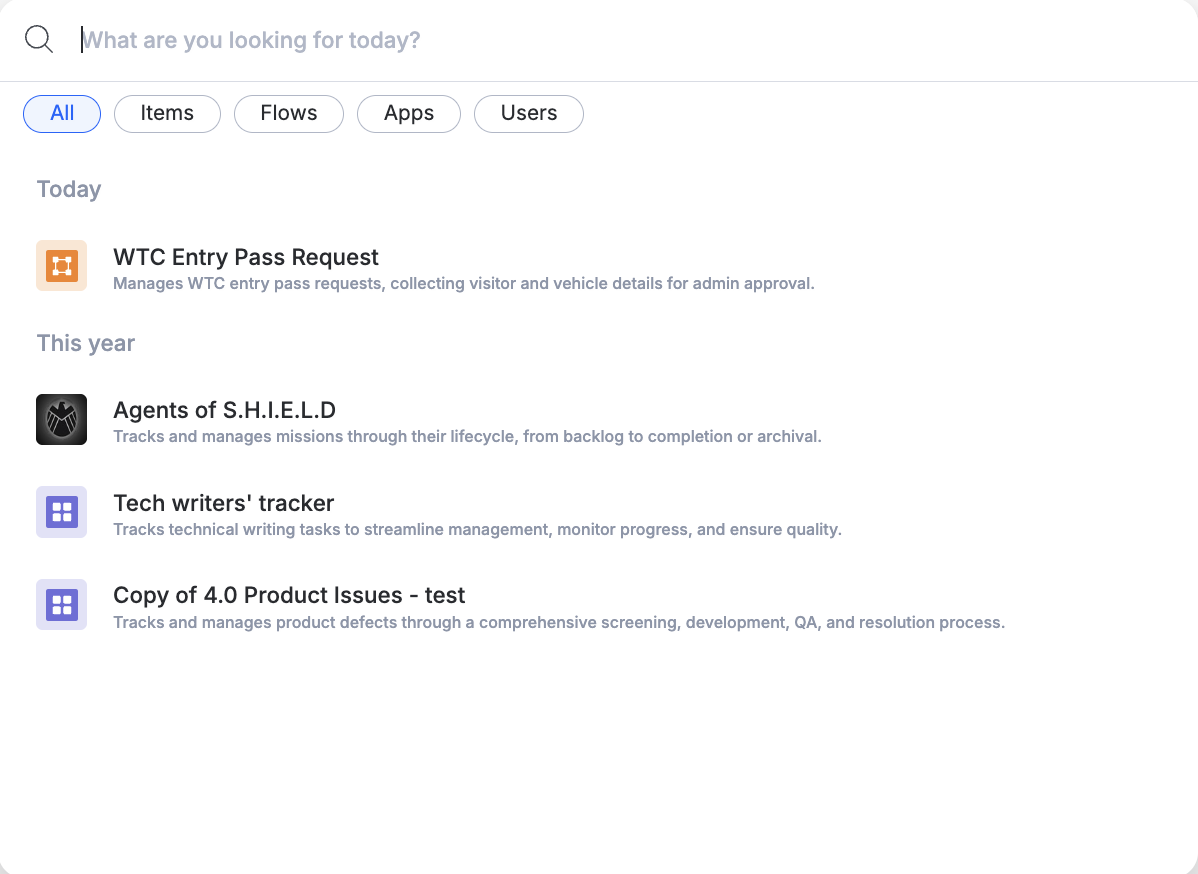
Go deeper with item-level search
Select More results in the search panel to open the item-level search window. Every matching item is listed with its key properties, so you can review it without opening the workflow first.
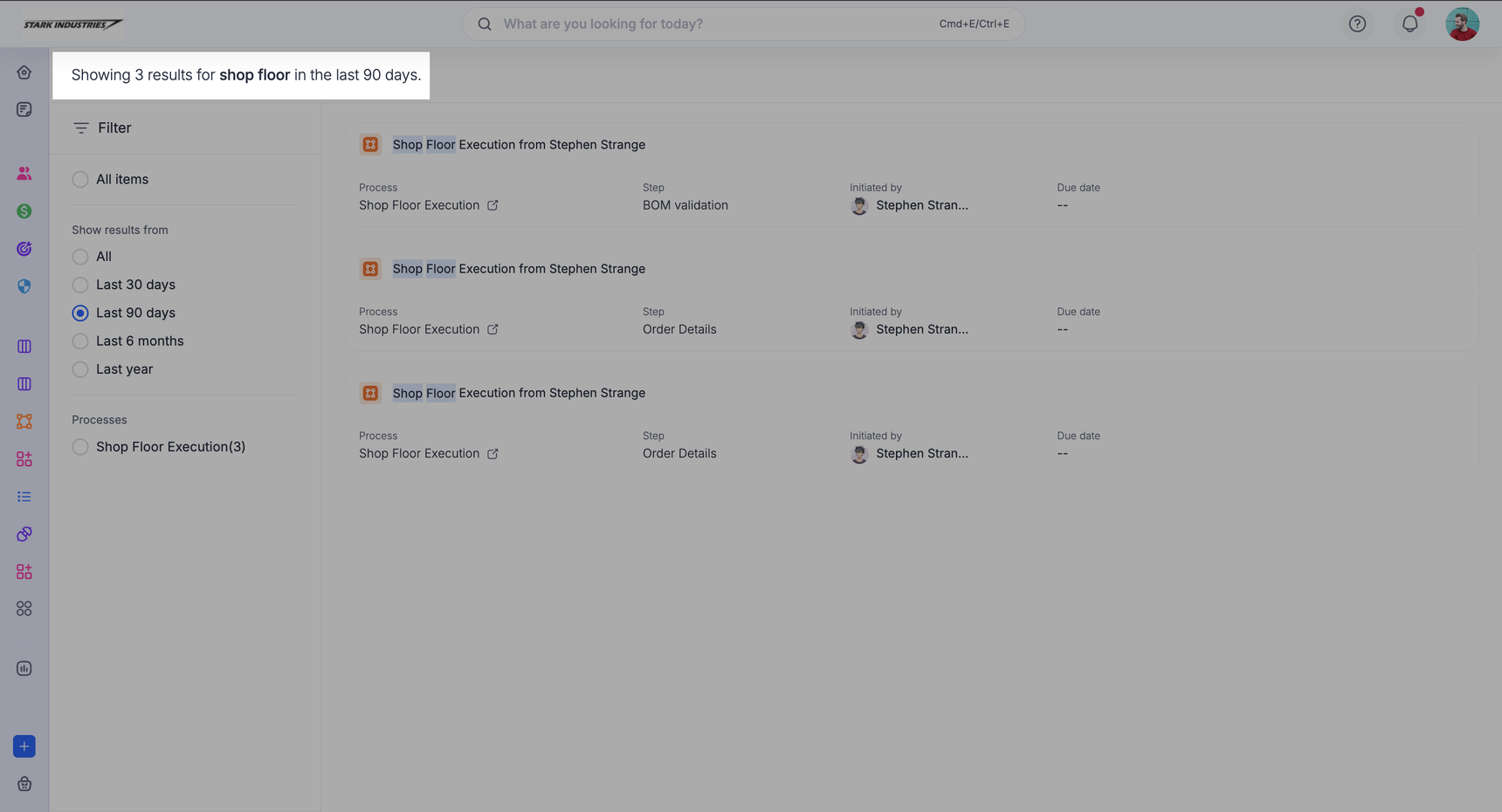
From here, narrow the list further:
- Workflow — restrict results to a specific process, board, or dataset.
- Date range — item-level search shows items from the last 90 days by default. Change it to All, Last 30 days, Last 6 months, or Last year to widen or narrow the window.