

Data backup overview
Kissflow's data backup lets super admins export account data — users, transactional records, audit logs, and attachments — to cloud storage or a downloadable link, for compliance and business continuity.
Data backup overview
Note
Data backup is available on request. Contact Kissflow support to have it enabled for your account.
Data backup in Kissflow safeguards your organization's data against loss and security incidents, and helps meet audit and compliance requirements. Super admins can export account data to a cloud storage destination or a downloadable link, keeping it accessible for reading, archiving, and analysis outside of Kissflow.
Storage destinations
When you configure a backup, you choose where the exported files go:
- Google Drive
- Amazon Simple Storage Service (S3)
- Google Cloud Storage (GCS)
- Kissflow backup — no external account needed; Kissflow emails you a downloadable link once the backup completes.
What gets backed up
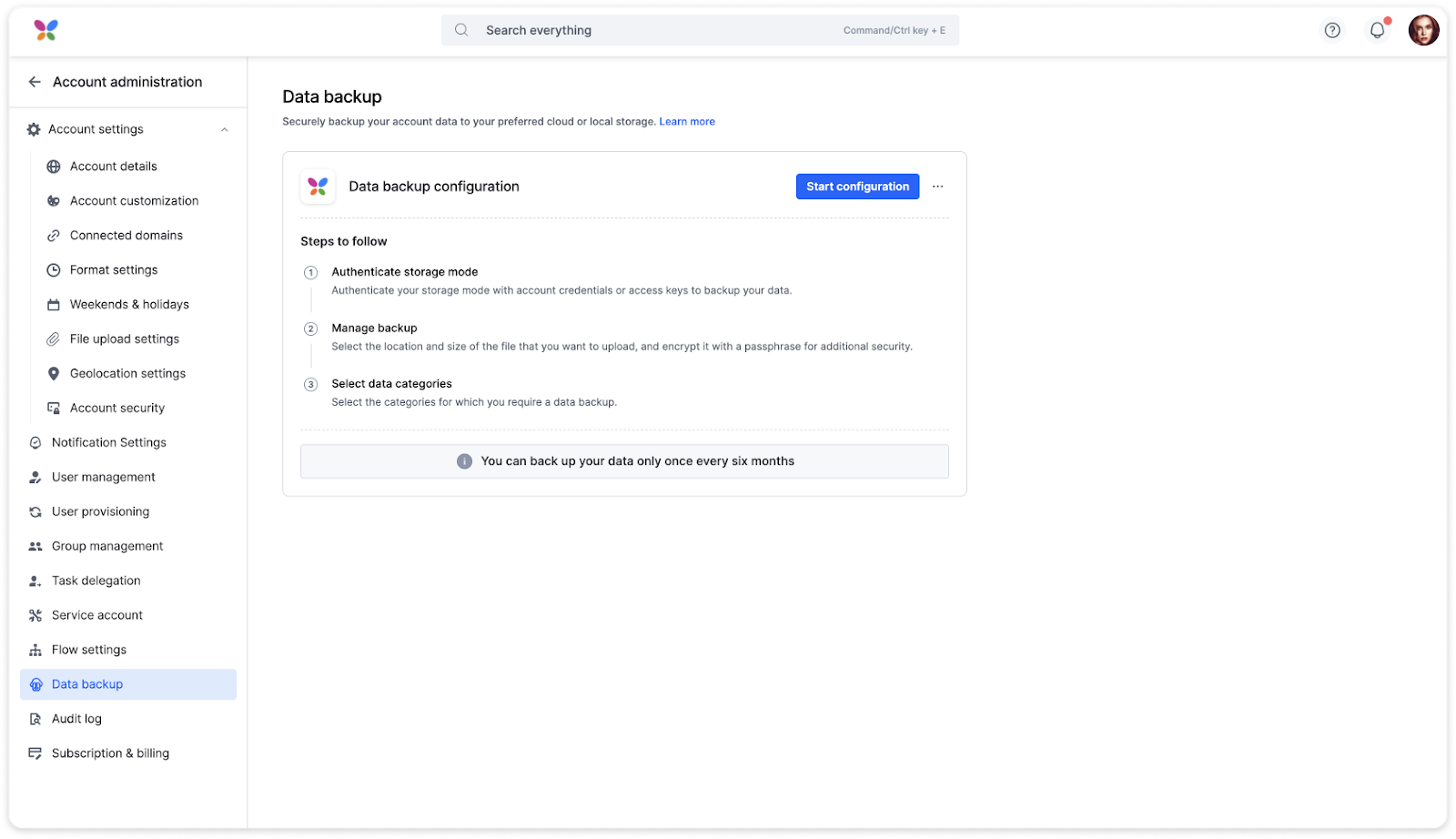
Configuring a backup involves authenticating your chosen storage destination, setting backup file preferences (like the ZIP split size and optional encryption), and selecting which categories of data to include:
- User and group data — all account user and group records.
- Transactional data — flow item details such as status, comments, and assignees, across Processes, Boards, Datasets, Forms, and Projects.
- Audit log data — roughly the last year of account- and flow-level audit activity.
- Attachments — files attached to items in processes, boards, datasets, and other apps. Attachments are packaged alongside their records inside the transactional data folder, not as a separate output — deselecting this category excludes attachment files from that folder while still including the records themselves.
What you'll receive
Once your backup finishes, you receive your data as JSON files, packaged into ZIP files (split and optionally encrypted based on your configuration). The package mirrors the categories you selected, with up to three top-level items:
- User and group data: a single UserAndGroup.json file listing every user and group.
- Transactional data: a folder organized by module type (Process, Board, Dataset, Form, Project), then by app. Each app folder holds its records, the users who had access, comments, and attachments in their original file formats.
- Audit log data: a set of numbered files covering roughly the last year of account and flow activity.
Note
Your data is exported for reading, archiving, and analysis. It is not a restorable database, so it can't be imported back into Kissflow.
For a full breakdown of the folder structure, what each record looks like, how to match attachments and users back to records, and how to read your field values, see Understanding your backup output.
Who can back up, and how often
Only super admins can request, configure, and manage backups. You can only back up your data once every six months.
Important
Once a backup starts running, it can't be interrupted. You can only cancel a backup while it's still queued.
Status and notifications
Kissflow provides real-time monitoring for ongoing backups. A backup moves through these statuses: queued, in progress, completed, failed, or canceled.
Super admins receive email and in-app notifications as a backup progresses — when it's queued, when it starts running, and when it finishes (whether successfully or not). You can also review a complete record of past backups in Backup history.
Troubleshooting common issues
- Backup delays can occur with large data volumes or high system load.
- Storage authentication errors occur when your cloud storage account isn't correctly authenticated. Verify the access credentials and permissions for that storage destination.
- File location and upload errors occur when the configured file location can't be found or the data can't be exported.
Note
If you run into an issue that isn't covered here, reach out to the support team.