

iOS devices
Access your Kissflow account on an iOS device through a mobile browser or by installing it as a Progressive Web App.
iOS devices
On an iOS device, you can access your Kissflow account either through a mobile browser or by installing it as a Progressive Web App (PWA).
Use a mobile browser
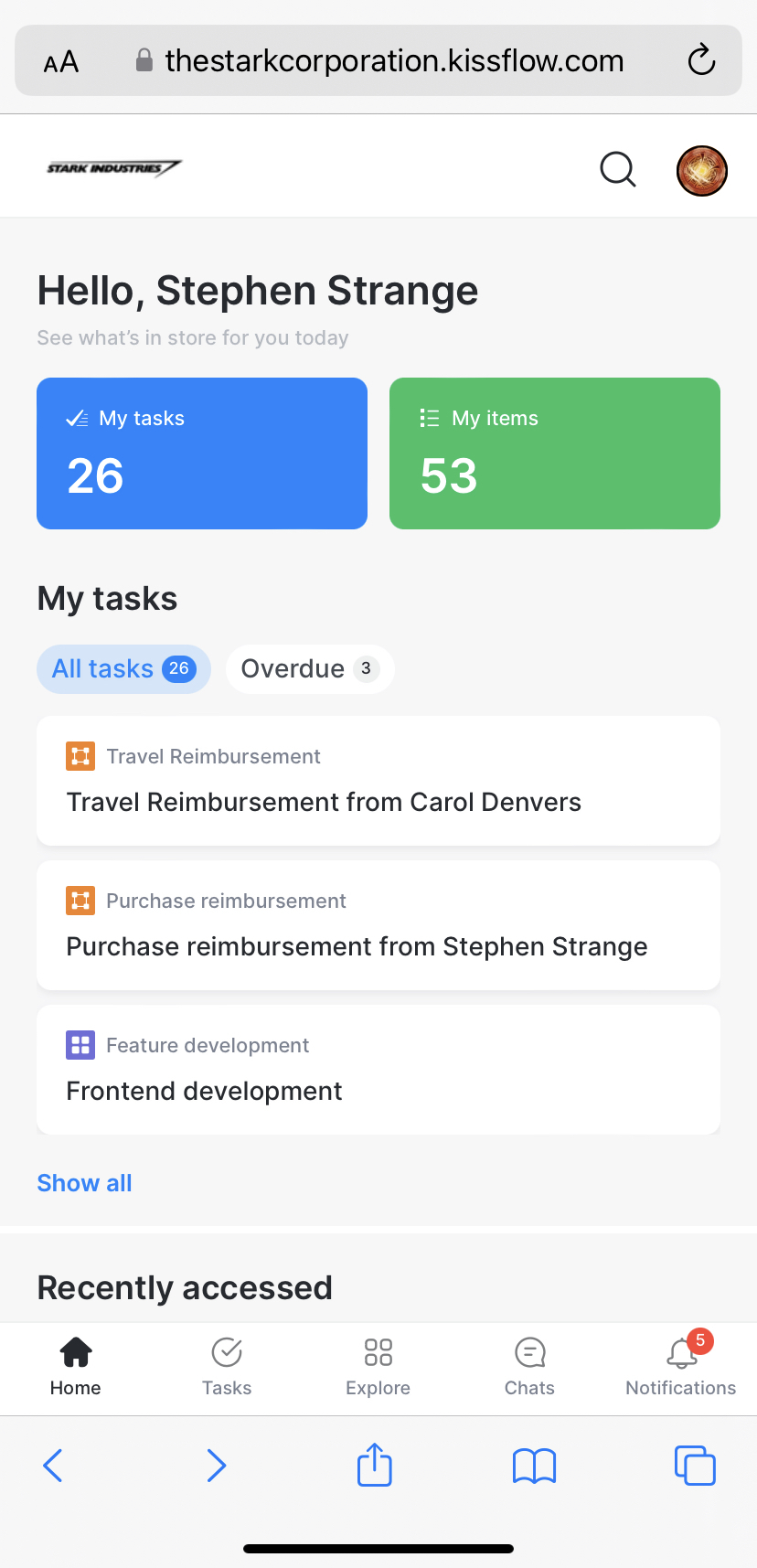
Open your preferred mobile browser and go to your account URL: <accountname>.kissflow.com.
Use a Progressive Web App (PWA)
A Progressive Web App gives you a native app-like experience — it looks and feels like a mobile app, consumes less data than the browser experience, and updates itself in the background without requiring any action from you.
Note
For the best experience, use a device with at least 2 GB of RAM.
Install the PWA on iOS
- Open Safari.
- Type your account URL in the address bar —
https://<accountname>.kissflow.com. - Tap the Actions (share) icon.
- Tap Add to Home Screen.
- Tap Add.
Important
iOS prevents Chrome from adding a PWA to the home screen. Use Safari to install the PWA.