Android devices
Access Kissflow on Android through your mobile browser or by installing it as a Progressive Web App, and enable push notifications.
Android devices
On Android, you can access your Kissflow account through your mobile browser, or install Kissflow as a Progressive Web App (PWA) for a more app-like experience.
Using a mobile browser
Open your preferred mobile browser and go to your account's URL: <accountname>.kissflow.com.
Using a Progressive Web App (PWA)
A Progressive Web App gives you a native app-like experience directly from your browser, without installing anything from the Play Store.
Note
Recommended minimum: 2 GB of RAM on your device.
New features are added to the PWA on an ongoing basis. At any given time, it may support a smaller feature set than the full desktop experience.
Advantages of the PWA
- Faster updates — the PWA loads the latest version from the browser each time you use it, so you're not waiting on a staged rollout like you would with a native app update.
- Nothing to install — it runs in your mobile browser instead of installing as a separate app from the Play Store.
Installing the PWA
-
On your Android device, open Chrome, Firefox, or another browser and go to your Kissflow account URL:
https://<accountname>.kissflow.com.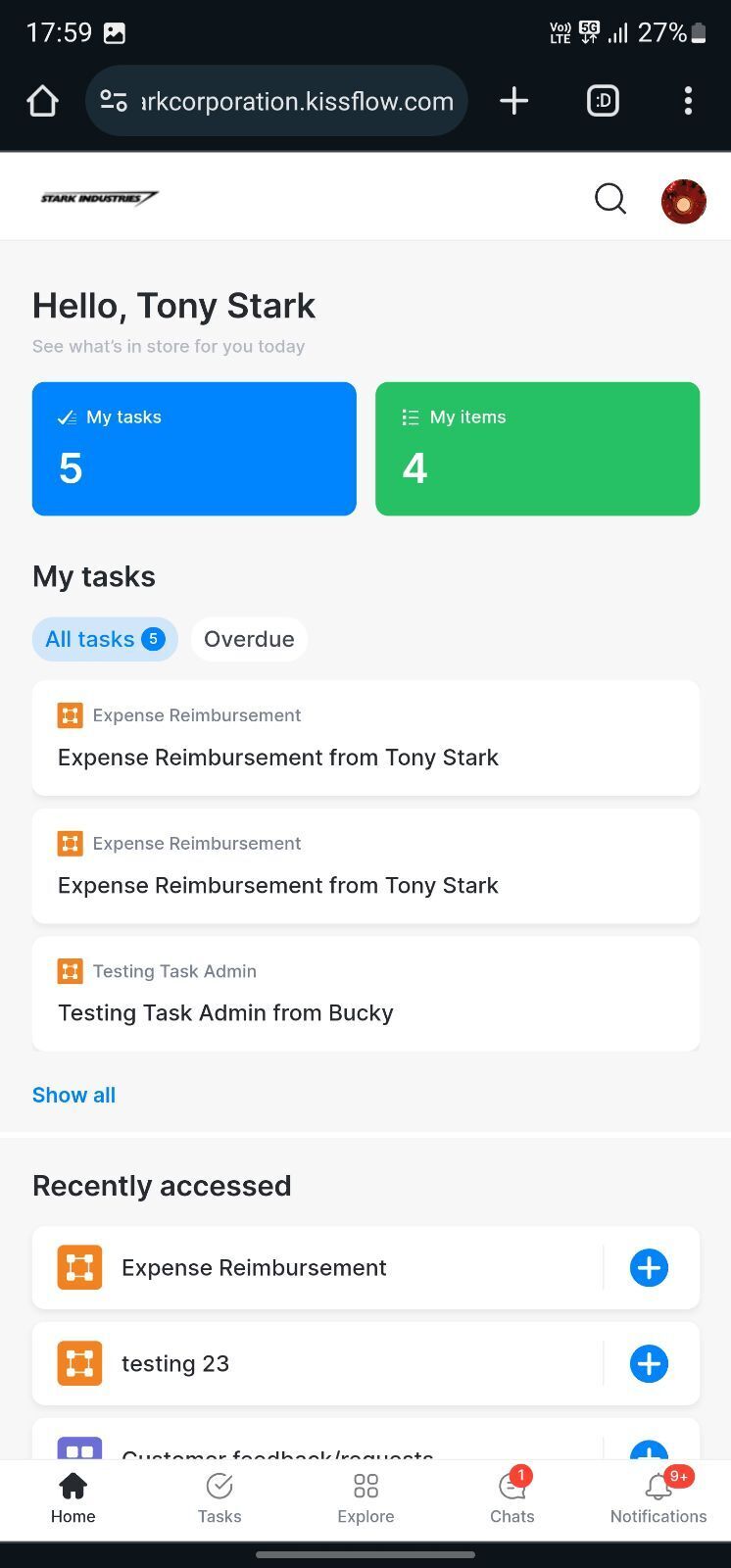
-
Tap the browser's menu button (
 ) and select Add to Home screen.
 -
Tap Add.
The Kissflow icon appears on your device's home screen, and you can open it just like any other app.
Enabling push notifications
-
Tap your profile picture in the upper-right corner.
-
Tap the More options button (
). -
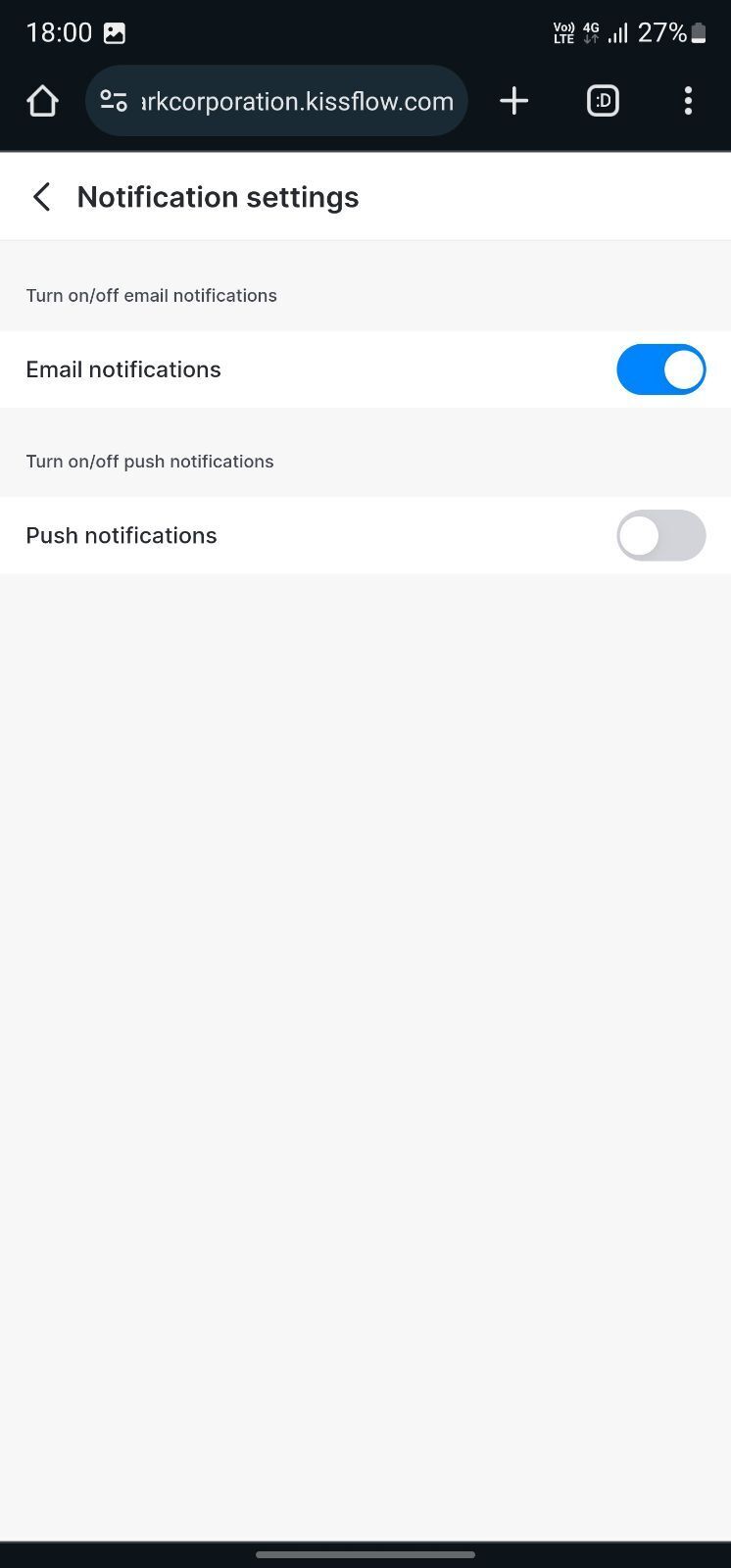
Tap Notification settings.
-
Toggle on Push notifications.