
How-to
Short answer: Neither is possible. An item title is a single line, and the side panel with Subitems and Connected items is part of the standard item layout.
Why it happens
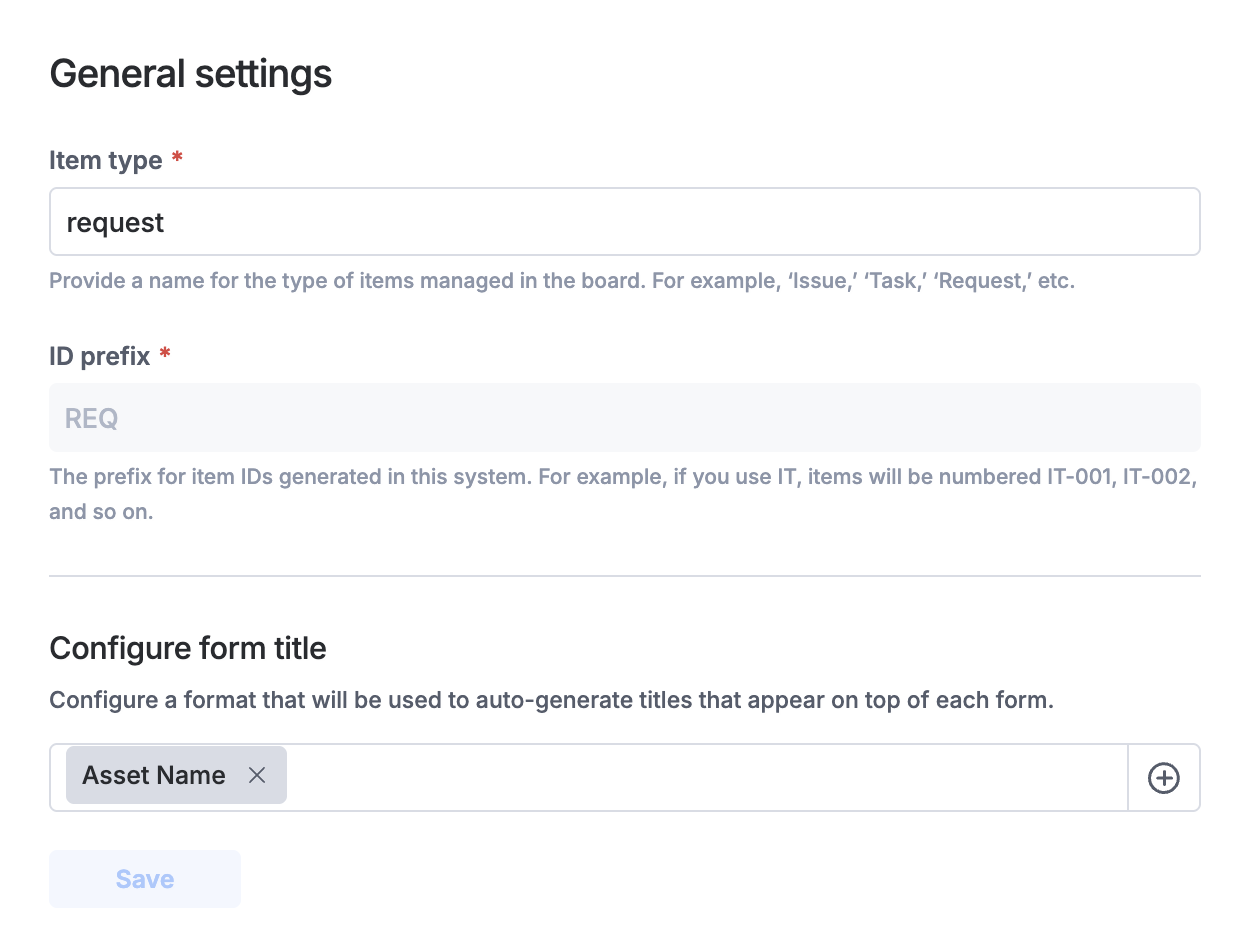
- The item title is built from the fields you pick in the board's form title settings and shows as one line.
- The right-hand panel on items is system UI. It can't be hidden for a board or a user.
How to fix it
To make a long title easier to read:
-
Click Manage > Settings, and on the General tab edit Configure form title. See configuring form titles.
-
Separate the field values with characters such as
|,/or[]. -
Use the board search bar to find items by any keyword in the title.
For the side panel, there's no workaround. Kissflow has logged it as product feedback.