
How-to
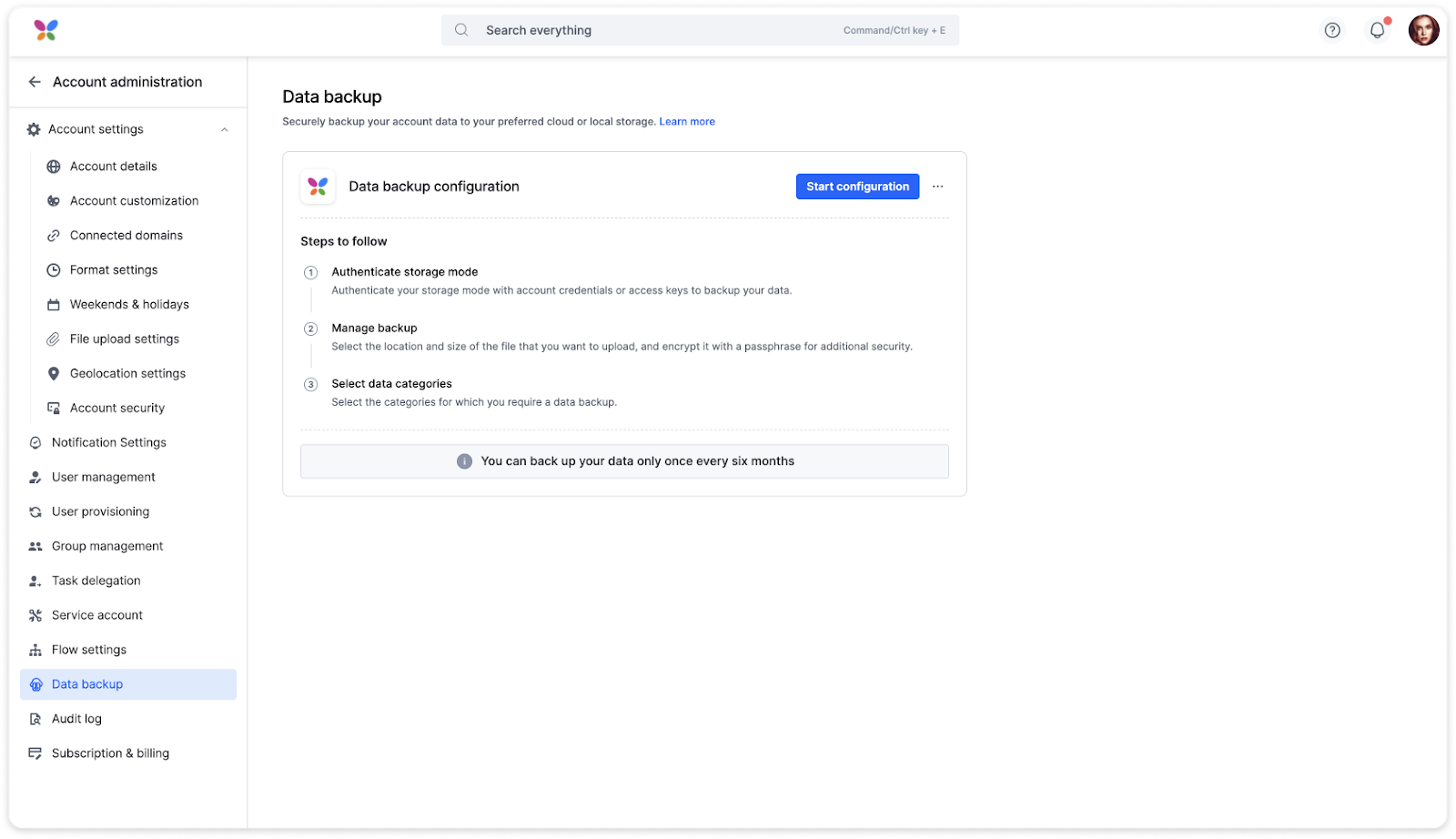
Short answer: Use Data backup. It exports your data as JSON files with the attachments, once every six months. It's an Enterprise feature that Kissflow support turns on for you. There's no bulk PDF export of items.
Why it happens
- Data backup is available on request and only on the Enterprise plan.
- A backup is for reading and archiving. It can't be imported back into Kissflow.
- Report exports contain field data only, not files or PDFs. You can still download attachments one by one from each item.
How to fix it
-
Ask Kissflow support to enable Data backup for your account.
-
As a Super Admin, configure a backup and choose where it goes: Google Drive, Amazon S3, Google Cloud Storage, or a Kissflow download link sent by email.
-
Pick the categories to include: user and group data, transactional data, audit logs and attachments.
-
When the backup completes, download the ZIP files. If a file won't extract, try another unzip tool.
See data backup overview and understanding your backup output.
For PDF copies of new or completed items:
- Create an integration with a Kissflow Process trigger such as When an item completes its workflow.
- Add an action that generates a PDF from a document template and saves it to cloud storage, or emails it with the item's attachments.
Important
You can back up only once every six months. For more frequent backups, contact your account manager. A running backup can't be interrupted; you can only cancel it while it's queued.