
Short answer: If integrations fail because the person who created their connection is no longer active, re-authenticate that connection with an active account. Every integration that uses the connection starts working again.
When to use this
Use this when someone leaves and their integrations start failing, for example onboarding integrations that ran on a connection they created. Re-authenticating the shared connection is faster than rebuilding each integration.
Set it up
-
Go to the Connections tab of Integrations.
-
Click Test connection status on the connection. Reconnection needed means it's no longer active.
-
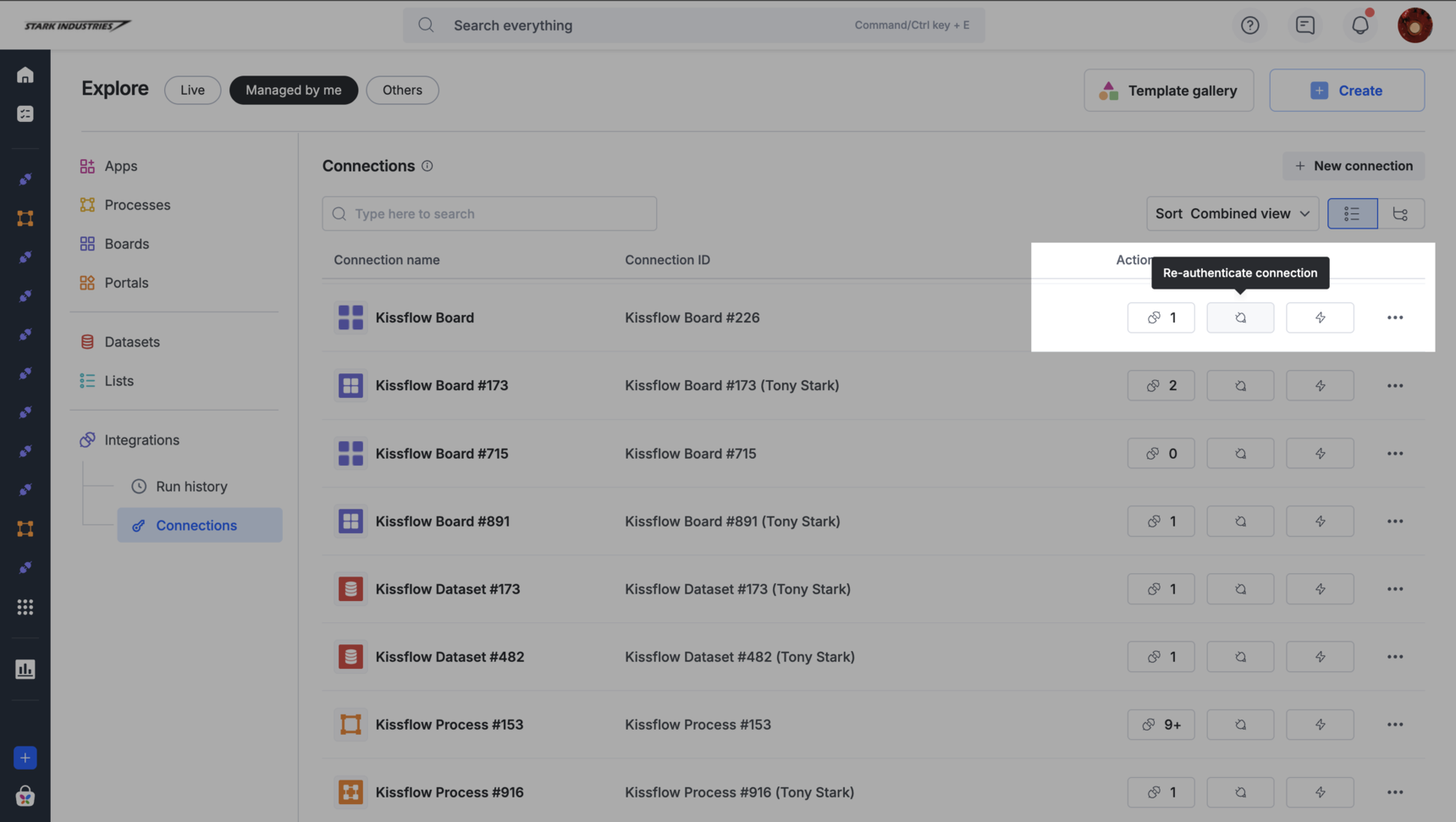
Click Re-authenticate connection and sign in with an active account, or enter a new access key and secret.
-
Click the integration count on the connection to see which integrations use it.
-
Rerun the failed runs from run history.
The connection must be shared with you. A Super Admin who is a member of the connection can reconnect it. See re-authenticate your connections.
Super Admins and IAM Admins can see each connection's creator, admins, and integrations in governing connections.
Tip