
Short answer: You can rename a board, but its ID, which appears in the URL, can't be edited. Item numbering can't be reset on its own. It starts again from 1 only after every item on the board has been deleted.
Why it happens
- Data is stored against the board's ID, so it stays fixed. The same applies to process and dataset IDs.
- Item numbers follow the board's count of items.
How to fix it
-
If the URL matters, choose the final name before you create the board.
-
To get a URL with a new name, duplicate the board with More options > Duplicate and give it the new name. The copy keeps the settings and configuration, but not the items or integrations, so move users to it and rebuild integrations.
-
Choose the ID prefix, the short code in item numbers such as IT-001, when you create or duplicate the board. It takes 2 to 4 alphanumeric characters and can't be changed afterwards. It shows greyed out on the General settings tab.
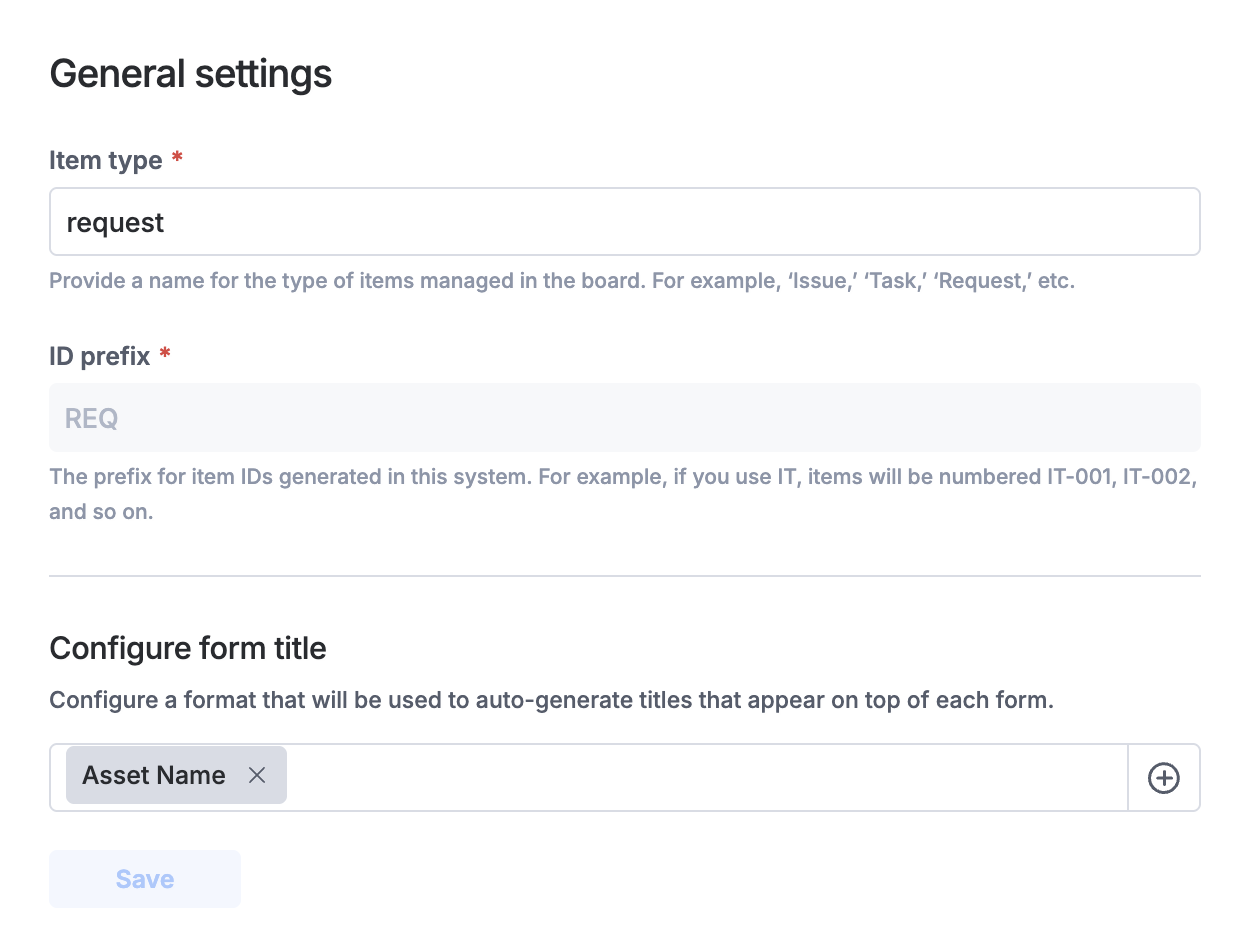
See building a board and archiving, deleting and duplicating a board.