
Fix
Short answer: Deployment fails when a flow doesn't pass validation. Open the error, note which component it names, fix that component in Dev, and deploy again.
Why it happens
- An integration that's still active in the target environment was archived for this deployment.
- Analytics reports created or deleted in Dev no longer match the target, or an analytics table is out of sync.
- The app looks up data from another app that isn't deployed yet.
- An API call failed during deployment.
How to fix it
-
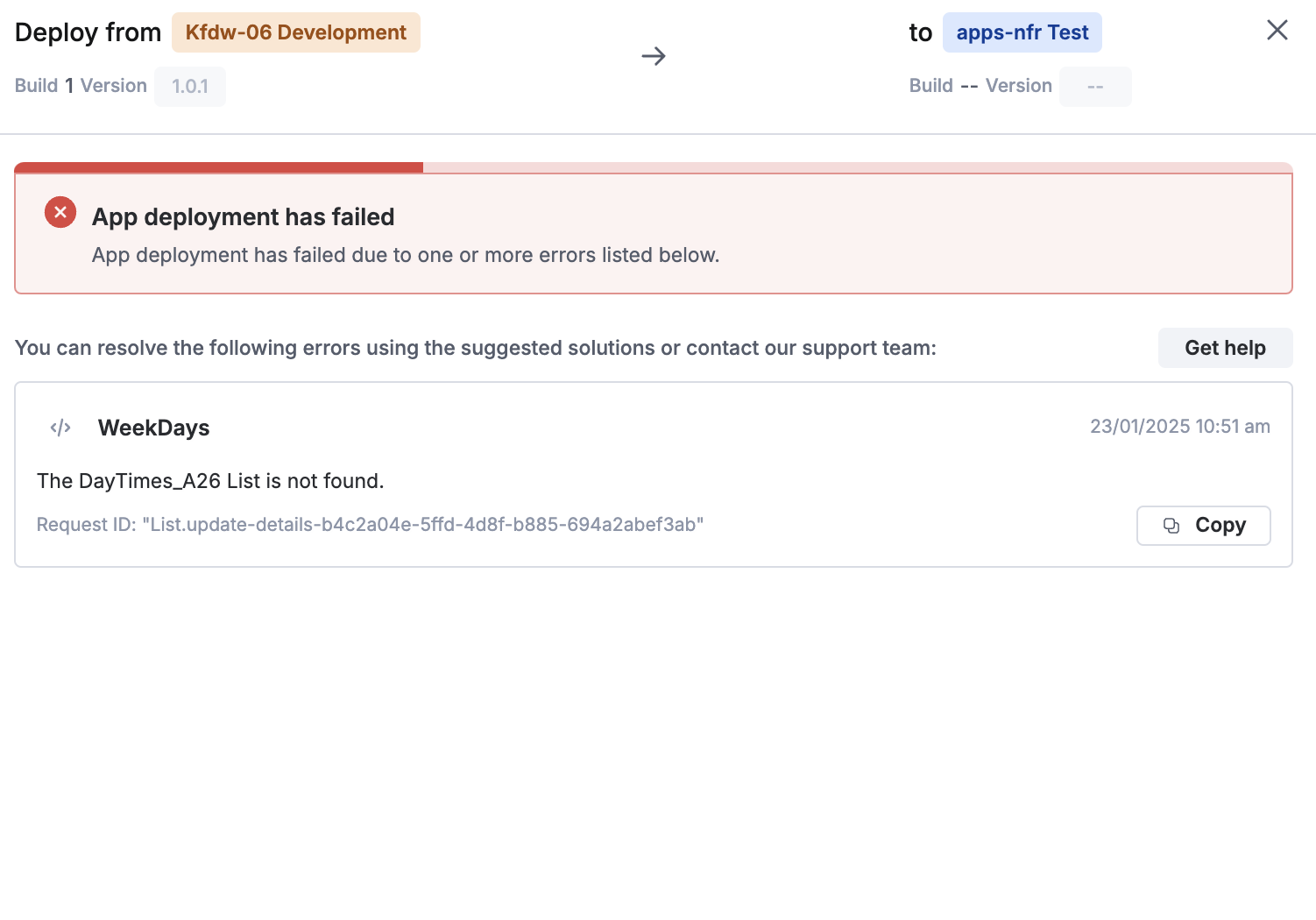
Open the error details from the message or from the deployment history. Note the component it names, for example "…AnalyticsReport is not found" or "does not exist in the account". Every failed attempt is recorded in the deployment history.
-
Fix the cause:
- Archived integration: turn off that integration in the target environment, then deploy again.
- Analytics report or table: check for Analytics reports you recently created or deleted in Dev, confirm Analytics is enabled in production, and make sure the Dev data sources have synced.
- Dependencies from other apps: deploy the apps listed in the popup first.
- Deployment on hold: resolve the data type mismatch in the deployment window and click continue.
-
Deploy again: click the arrow icon in the top-right corner of the app builder, click Deploy, then click Deploy in the preview window.
-
If it still fails, or the app stays on "publishing", contact Kissflow support with the app ID and the request ID from the error.
See troubleshooting deployment failure.
Important
Some deployment errors are fixed only on Kissflow's side. There isn't a self-service fix for every case.