
Short answer: Each user can store one signature in their profile. To show signatures in a generated document, add a Signature field to the form and map it into the template. Clearing signatures on send-back needs an integration.
Why it happens
Signatures live in form fields, not in the generated document. Kissflow has no built-in setting to clear a signature when an item is sent back.
How to fix it
Reuse a signature
-
Ask users to save a signature in the About me section of My profile. A user can store only one.
-
In the form, users can then insert that saved signature into a Signature field instead of drawing it.
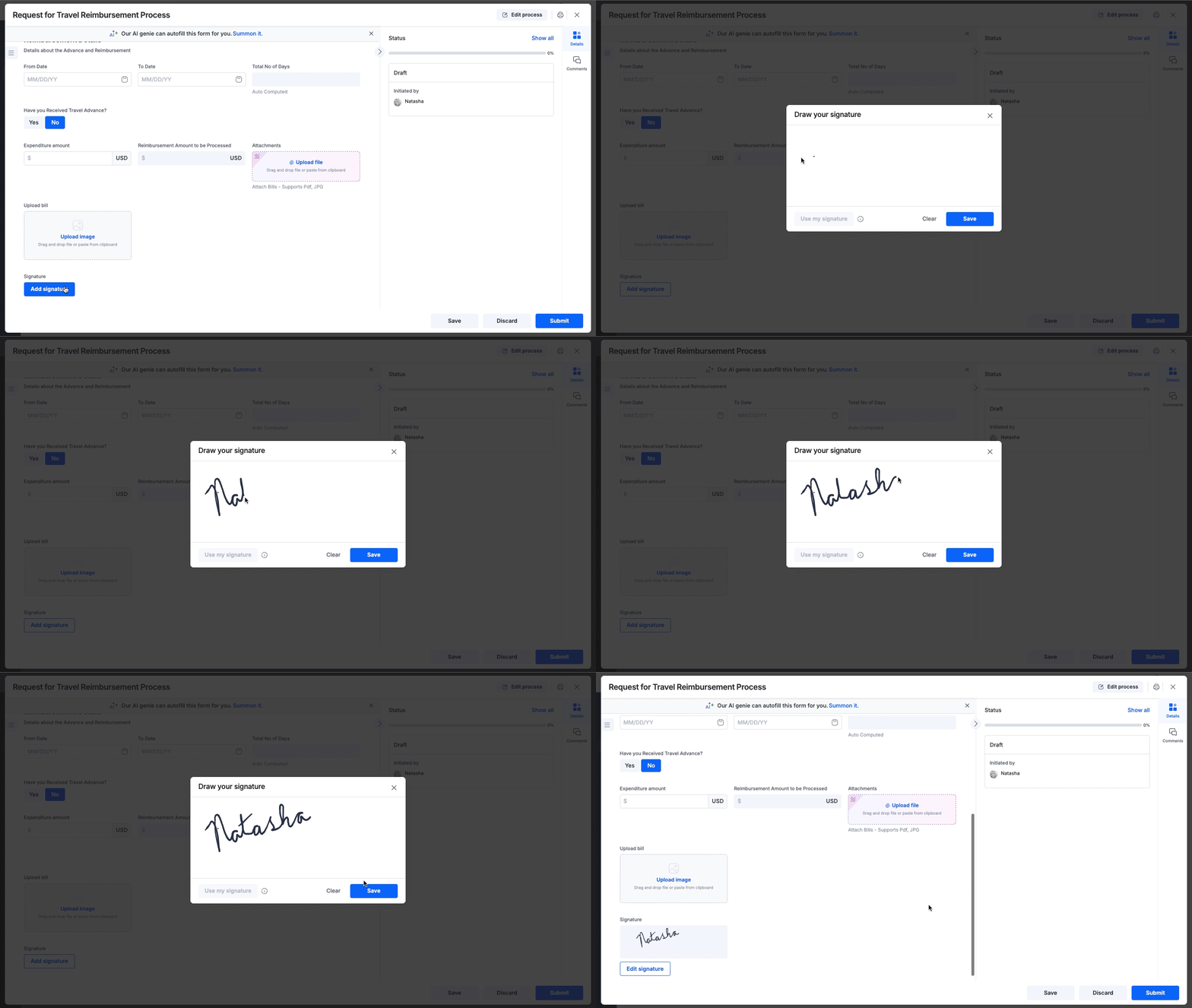
-
To require the saved signature, turn off Allow user to draw signature in that Signature field's settings. The setting applies to one field at a time. A user with no saved signature must add one to their profile before completing the form.
Add signatures to a generated document
- Add a Signature field to the form for each person who signs.
- Map each Signature field into the document template. Each assignee's signature then appears in the output.
You can't sign the generated document itself.
Clear signatures when an item is sent back
- Add an extra Signature field to the form and leave it empty.
- Create an integration with the trigger When an item is sent back.
- Add Update an item and map the empty field's value into the real Signature field.
- Test the action, then turn on the integration.