
How-to
Short answer: A portal is an app for people outside your Kissflow account, such as vendors, customers or partners. Only Super Admins can create one, and only on Enterprise accounts.
Why it happens
- Apps are only for users in your own account. Portals let you share an app with outsiders without adding them as account users.
- Creating a portal is limited to Super Admins.
How to fix it
- As a Super Admin, click Create in the left navigation and select Portal. Enter a name and a portal domain.
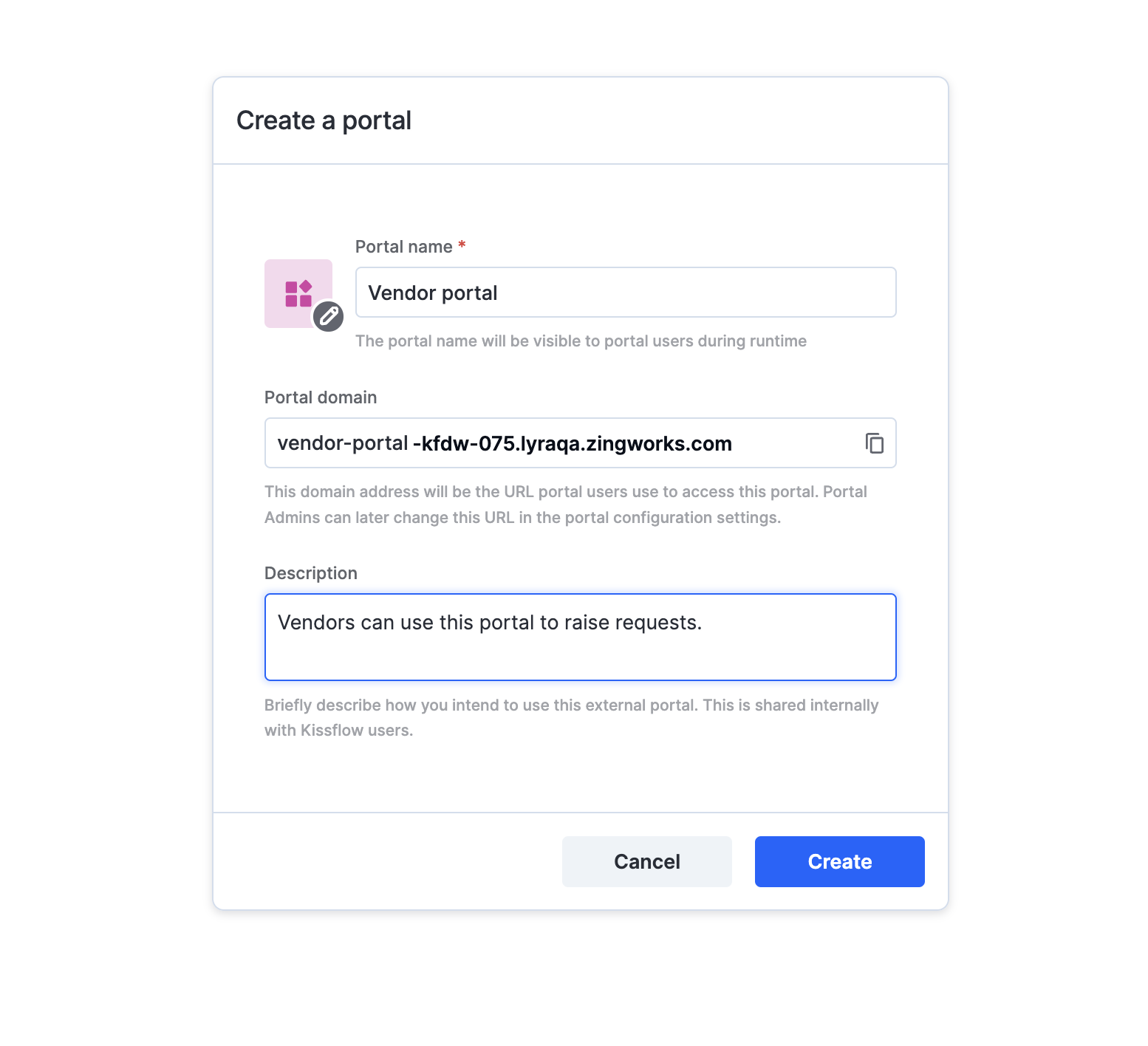
- Go to Manage > Edit portal to build it in the development environment.
- To let others build it, click Share > + Add users and add them as Portal Admins.
- Test the portal, then deploy it and share the portal URL with your external users.
See portal overview and creating and managing portals.
Important
Each Enterprise account has a soft limit of 10 portals, with up to 10 external users per portal for testing. Contact Kissflow support to raise the limit or to add real external users. You can't add an existing app to a portal, because apps and portals are separate.