
Fix
Short answer: The dataview editor doesn't accept SELECT * or WITH (CTE) clauses. Name every column, move CTEs into inline subqueries, and use AS to rename columns.
Why it happens
- The dataview query editor doesn't support the asterisk for selecting all columns.
- Some SQL operations, such as CTEs, are blocked. The error message doesn't say which one.
How to fix it
If SELECT * fails:
- List each column. For example:
SELECT "Name", "Reporting_Manager", "_created_by.Name" FROM "Asset_Request_123". - Drag column names from the schema browser into the editor to save typing.
If you see "This operation is not permitted in the query":
- Look for a
WITH … AS (…)block. - Move each CTE into the
FROMclause as an inline subquery, then run the query again.
To rename a column, use AS, for example "Emp_Code" AS "Code".
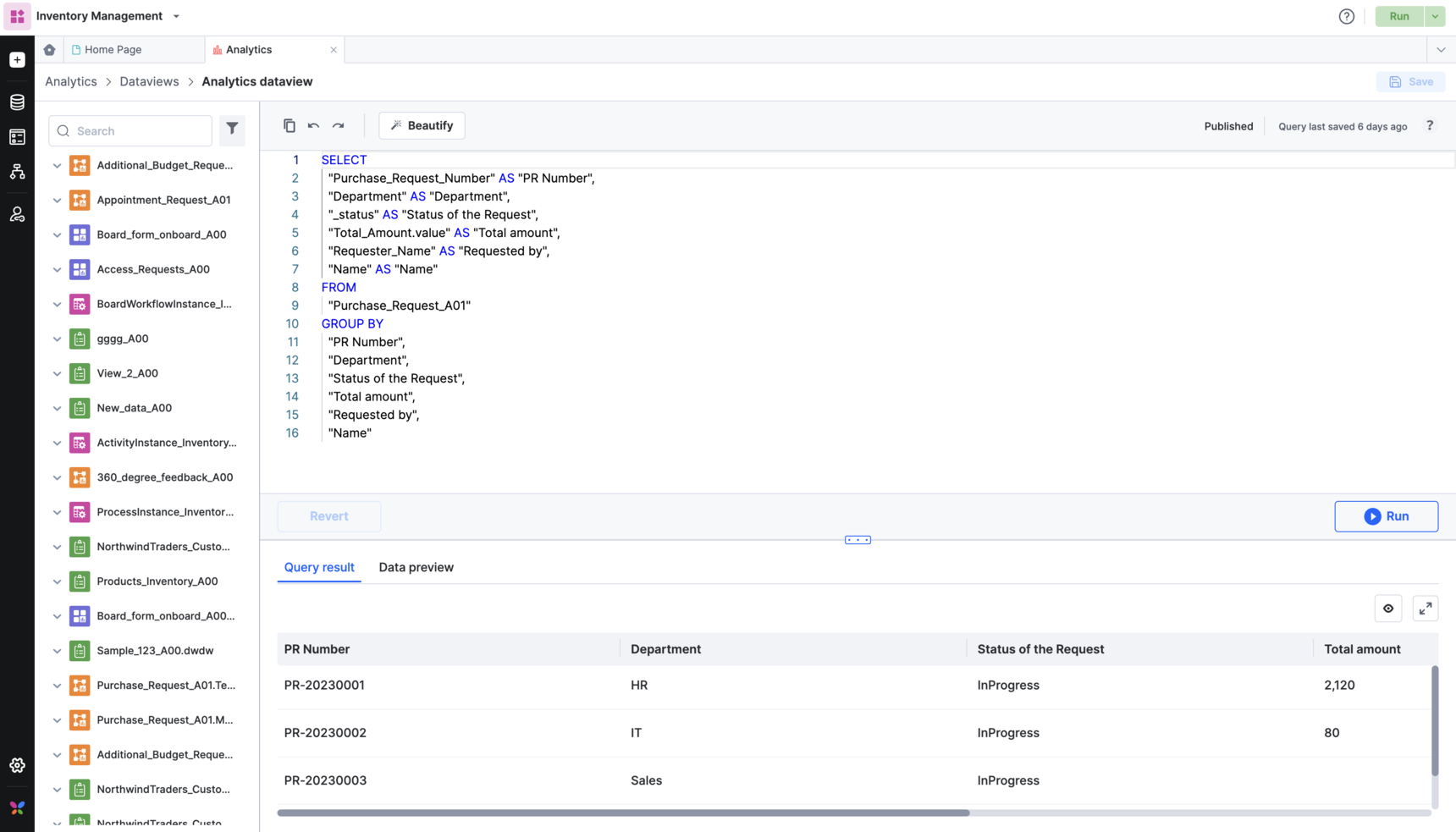
If you see that a table "does not exist", check the spelling and case of the data source name. Dataview queries are case-sensitive, and table names use underscores, for example Purchase_Request.
If you see "You don't have permission to access this resource", you aren't shared on a table the query uses. Even a Super Admin has to add themselves to that table or system table through Share first.
If you see "Query execution failed":
- Check whether the same table fails in other dataviews.
- If it does, contact Kissflow support with the dataview URL.